Google App Redesigns Voice Search Interface on Android
Google has begun rolling out a substantial redesign of its voice search functionality within the Google app on Android devices. This update marks a significant visual and functional modernization of a feature that has maintained a similar interface for several years.
A Modernized Interface
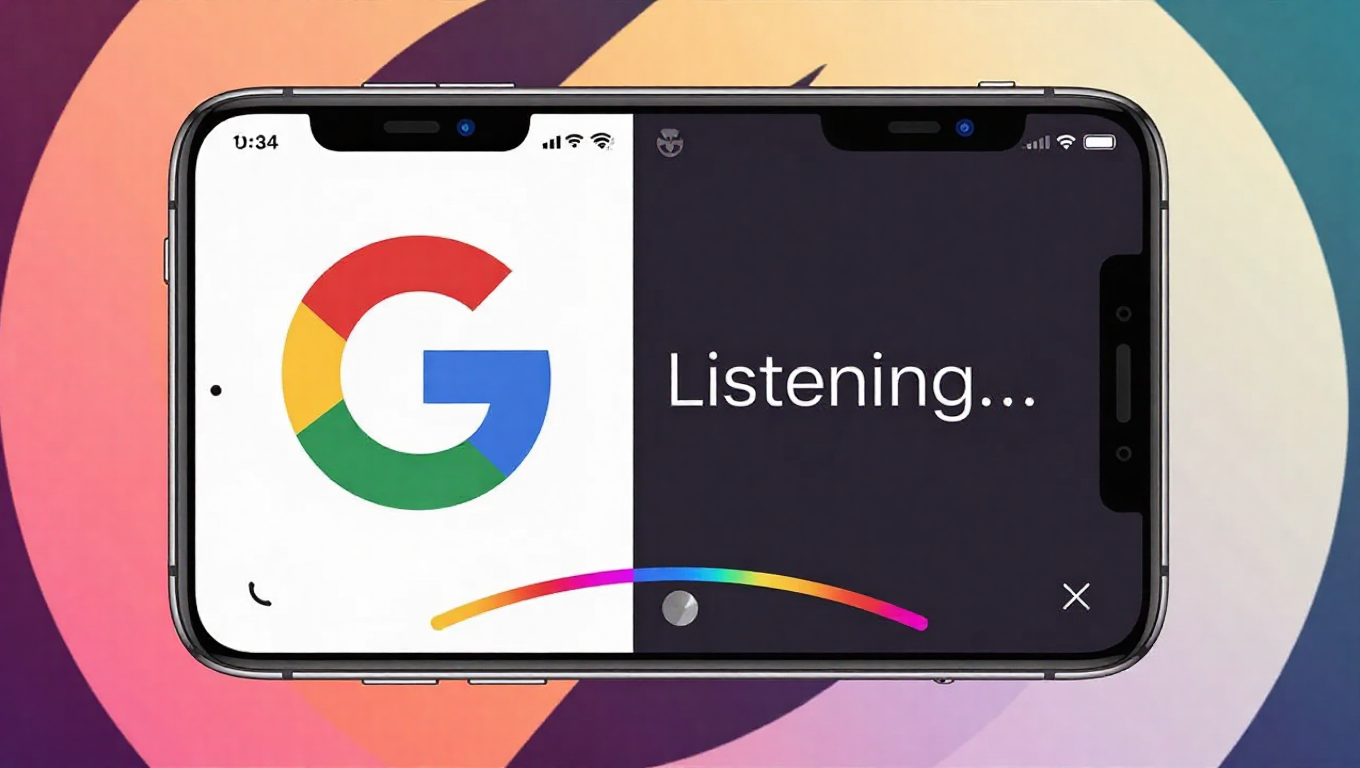
The new design replaces the older four-dot waveform interface with a cleaner, more contemporary layout. The most prominent change is a large, centered gradient 'G' logo. This is flanked by a back button and a three-dot overflow menu providing quick access to Voice settings. The dark theme has also received visual updates to align with the new aesthetic.
During use, the prompt "Listening..." appears alongside the familiar face illustration. User queries are transcribed above a distinctive four-color arc at the bottom of the screen, an element borrowed from other modern Google search interfaces like AI Mode and Search Live.
Enhanced Features and Customization
The redesign brings with it greater user control. The settings menu accessible via the overflow button allows users to configure languages, toggle spoken results on or off, and select from four distinct voice options: Cosmo, Neso, Terra, or Cassini.
A notable functional upgrade is the revamped song search. The previous globe animation has been replaced by a larger, more prominent "Search a song" button. Tapping it opens a dedicated interface inviting users to "Play, Sing, Hum" to identify music. A new shortcut in the top-right corner provides quick access to the user's Song Search history.
Rollout and Availability
The updated voice search experience is part of a server-side update and is appearing for users running version 17.1 (stable) and 17.2 (beta) of the Google app. The rollout appears to be gradual and is not yet widely available to all Android users. The update is accessible when initiating a voice search from the home screen widget, including the Pixel Launcher, or from any Google Search bar within the app itself. As with standard voice queries, results are delivered both audibly and via a standard Google Search results page.
Conclusion
This redesign represents Google's effort to refresh and unify its voice search experience on Android. By introducing a more modern visual design, expanding customization through new voice options, and improving dedicated tools like song search, Google is enhancing both the aesthetics and utility of a core mobile feature. The update aligns the voice search interface more closely with the company's current design language and AI-focused initiatives, suggesting a continued investment in making voice interactions more intuitive and visually cohesive for Android users.