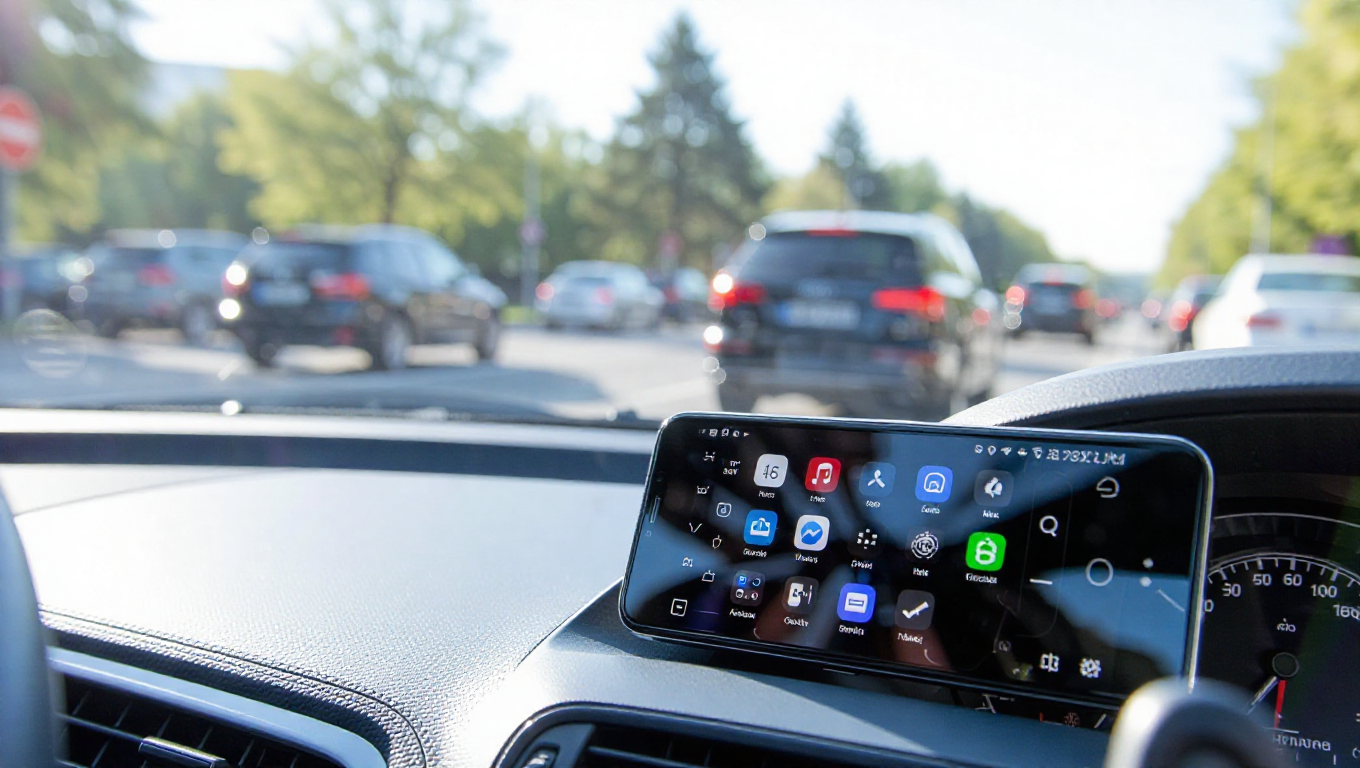
Google Addresses Android Driving Mode's Passenger Annoyance
Android's Driving Mode, designed to minimize distractions by suppressing notifications while driving, has received a quiet but significant update from Google. The change addresses a persistent issue where the feature would incorrectly activate for passengers in moving vehicles, causing them to miss calls and alerts.
The Problem: Motion Detection Misfires
Driving Mode traditionally offered multiple activation methods: when connected to a vehicle's Bluetooth system, when phone sensors detected motion consistent with driving, or both. However, in recent years, Google removed the Bluetooth-only trigger option, leaving motion detection as the primary automatic activation method.
This created a common scenario where passengers' phones would activate Driving Mode simply because they were in a moving vehicle. Even without a Bluetooth connection to the car's dashboard system, the phones would suppress notifications, often causing users to miss important communications.
The Solution: Restoring Precision
Recent updates indicate Google has revived the more precise Bluetooth-based activation method. The feature now appears to automatically enable Do Not Disturb settings only when the phone connects to a vehicle's headunit via Bluetooth, rather than relying solely on motion detection.
This change represents a return to more reliable functionality. By requiring both motion detection and Bluetooth connectivity, the system can better distinguish between drivers and passengers. The driver's phone, typically connected to the car's audio system, will activate Driving Mode appropriately, while passengers' devices remain unaffected.
Broader Context of Android Modes
Driving Mode is part of Android's broader ecosystem of situational awareness features. Similar to Focus Mode for work or Wind Down for bedtime, these tools allow selective notification management rather than blanket restrictions. The goal is to reduce distractions in specific contexts without completely cutting users off from important communications.
The Driving Mode adjustment reflects Google's ongoing refinement of these features based on real-world usage patterns. By addressing the passenger annoyance, Google improves the feature's reliability and user satisfaction.
Conclusion
Google's quiet fix to Android's Driving Mode demonstrates the company's responsiveness to user experience issues. By restoring Bluetooth-based activation alongside motion detection, the feature now more accurately targets drivers while sparing passengers from unnecessary notification suppression. This update, though implemented without fanfare, significantly improves the practicality of a feature designed to enhance road safety by reducing driver distractions.