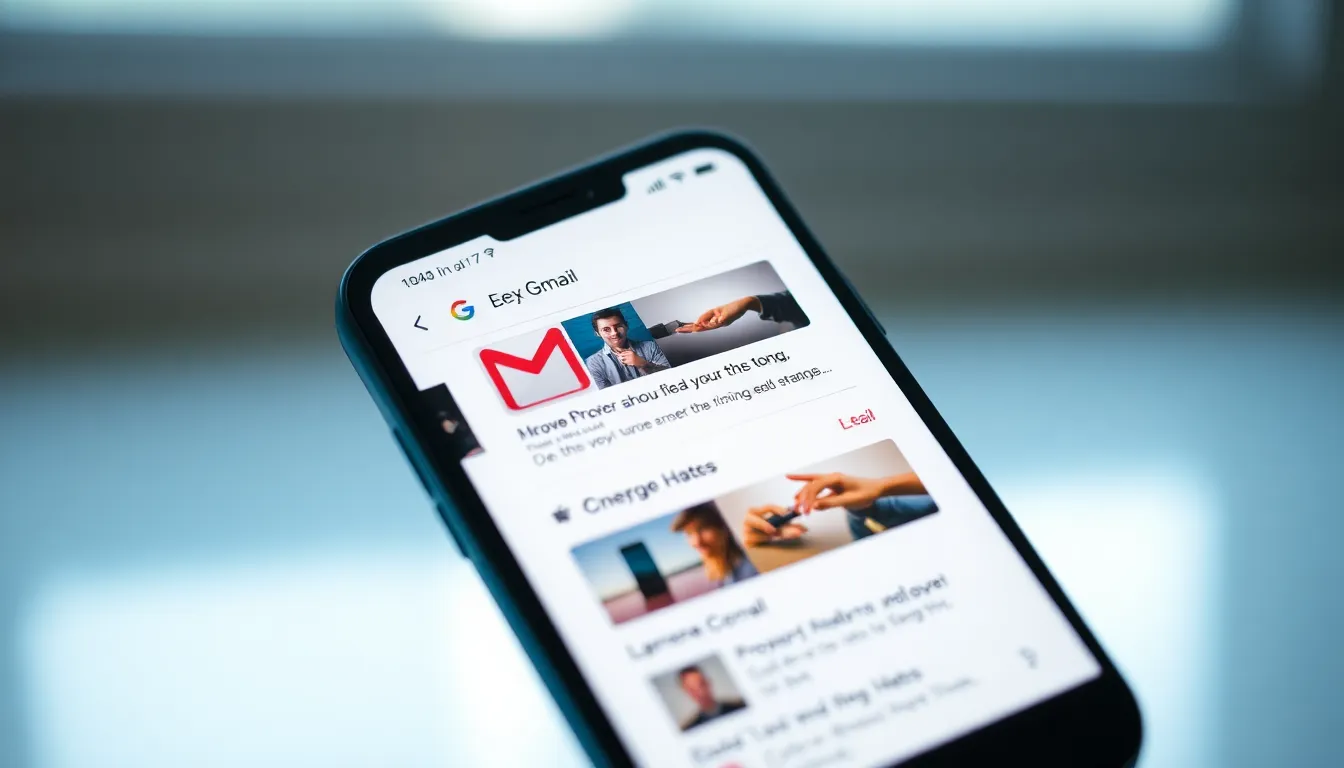
Gmail for Android Introduces Photo and Attachment Previews in Notifications
Google continues to refine the Gmail experience on Android with another practical enhancement. The popular email client is now adding photo and attachment previews directly within notifications, allowing users to quickly glance at images and files without needing to open the app.
Modernizing Notification Functionality
This update represents a significant improvement to Gmail's notification system on Android devices. Users will now see thumbnail previews of photos and attachments when new emails arrive, providing immediate visual context about the content they've received. The feature builds upon recent Gmail improvements, including the addition of a Mark as Read action that was introduced earlier.
The notification previews appear to work seamlessly within Android's notification shade, displaying small but clear thumbnails of attached images and documents. This visual enhancement helps users prioritize which emails require immediate attention versus those that can wait for later review.
Enhanced Productivity and Efficiency
For busy professionals and casual users alike, this feature eliminates the need to open Gmail for every notification. When an email contains important visual content—such as product images, presentation slides, or family photos—users can now assess the content's relevance directly from their notification panel. This streamlined approach saves time and reduces app-switching, making email management more efficient throughout the day.
The attachment preview functionality extends beyond just images, potentially including document thumbnails and other file types that Gmail supports. This comprehensive approach ensures users get a complete picture of their incoming email attachments without interrupting their current workflow.
Privacy and User Control Considerations
While the feature offers clear convenience benefits, it also raises questions about privacy, particularly for users who receive sensitive content. The implementation likely includes appropriate privacy safeguards, though users may want to be mindful of their notification settings when viewing emails in public settings. As with most Gmail features, users probably have the option to disable these previews if they prefer the traditional text-only notifications.
The gradual rollout suggests Google is carefully testing the feature across different Android versions and device types to ensure consistent performance and user experience.
Conclusion
Gmail's new photo and attachment preview feature represents another step forward in making email management more intuitive and efficient on mobile devices. By bringing visual context directly to notifications, Google is reducing the friction between receiving and acting upon important emails. As the feature rolls out to users worldwide, it's likely to become another essential component of the modern mobile email experience, joining other recent enhancements that have made Gmail increasingly responsive to user needs.