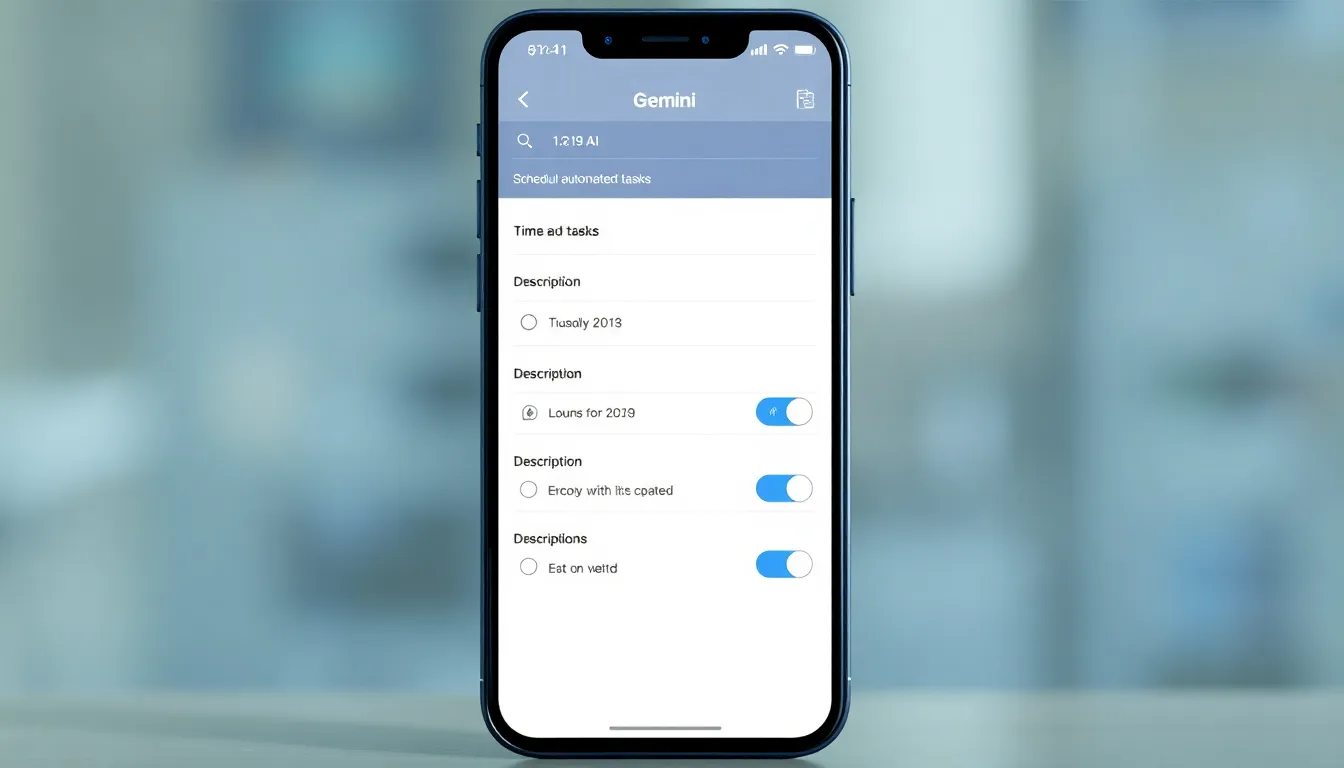
Gemini's Scheduled Actions Feature Receives Major Usability Upgrade on Android
One of Gemini's standout capabilities is becoming significantly more accessible to Android users. The AI assistant's scheduled actions feature, which allows for automated task execution, is receiving a crucial interface overhaul that promises to make it far easier to use on mobile devices.
Bridging the Mobile-Web Divide
Scheduled actions have been available in Gemini for some time, enabling users to program the assistant to perform tasks at specified times. This functionality has transformed Gemini from a simple question-answering tool into a practical automation platform. Users could, for example, schedule a daily news summary to be delivered each evening or set up regular reminders for complex workflows.
However, there has been a noticeable disparity between how this feature operates on the web versus within the Android app. While web users enjoyed a dedicated interface for creating and managing these automated tasks, Android app users were limited to creating actions through text prompts alone—a less intuitive approach that required precise wording and understanding of the feature's capabilities.
The New Creation Interface
The upcoming enhancement addresses this limitation directly. Android users will soon have access to a proper user interface for scheduling actions within the Gemini app. This interface reportedly includes fields for naming actions, describing their purpose, and setting specific schedules—mirroring the functionality already available on the web version.
This represents more than just a cosmetic change. By providing a structured way to create scheduled actions, Google is lowering the barrier to entry for one of Gemini's most powerful features. Users no longer need to remember specific command syntax or experiment with different prompt formulations. Instead, they can simply fill out the relevant fields in a familiar interface format.
Implications for Android Automation
The improved usability of scheduled actions on Android could significantly expand how people integrate AI assistance into their daily routines. What was previously a feature primarily accessible to technically inclined users who mastered the prompt-based system now becomes approachable for a broader audience.
This enhancement aligns with the broader trend of making advanced AI features more user-friendly and accessible. As AI assistants become more capable, their value increasingly depends on how easily users can harness that capability. The scheduled actions feature exemplifies this principle—its power was already evident, but its practical utility was constrained by interface limitations on mobile platforms.
Conclusion
The addition of a proper user interface for creating scheduled actions in Gemini on Android represents a meaningful step forward in making AI-powered automation more accessible. By eliminating the need for prompt-based creation and providing a visual, structured approach instead, Google is removing a significant usability barrier. This enhancement not only improves the experience for existing users but also opens up Gemini's automation capabilities to a wider audience who may have found the previous prompt-only system intimidating or confusing. As AI assistants continue to evolve, such interface improvements will be crucial in translating technical capability into practical, everyday utility.