Gemini Overlay Evolves with Fullscreen Glow Animation on Android
Google continues to refine the visual experience of its Gemini AI assistant on Android devices, with the latest update introducing a significant change to how users interact with the AI overlay. The transition from the previous four-color glow design to a fullscreen animation represents Google's ongoing effort to create more immersive and visually appealing AI interactions.
From Four-Color to Fullscreen Immersion
The evolution of the Gemini overlay demonstrates Google's commitment to improving the aesthetic experience of AI interactions. The previous visual update introduced a distinctive four-color glow that provided visual feedback when activating the assistant. This design served as a clear indicator that Gemini was active and ready to assist users with their queries and commands.
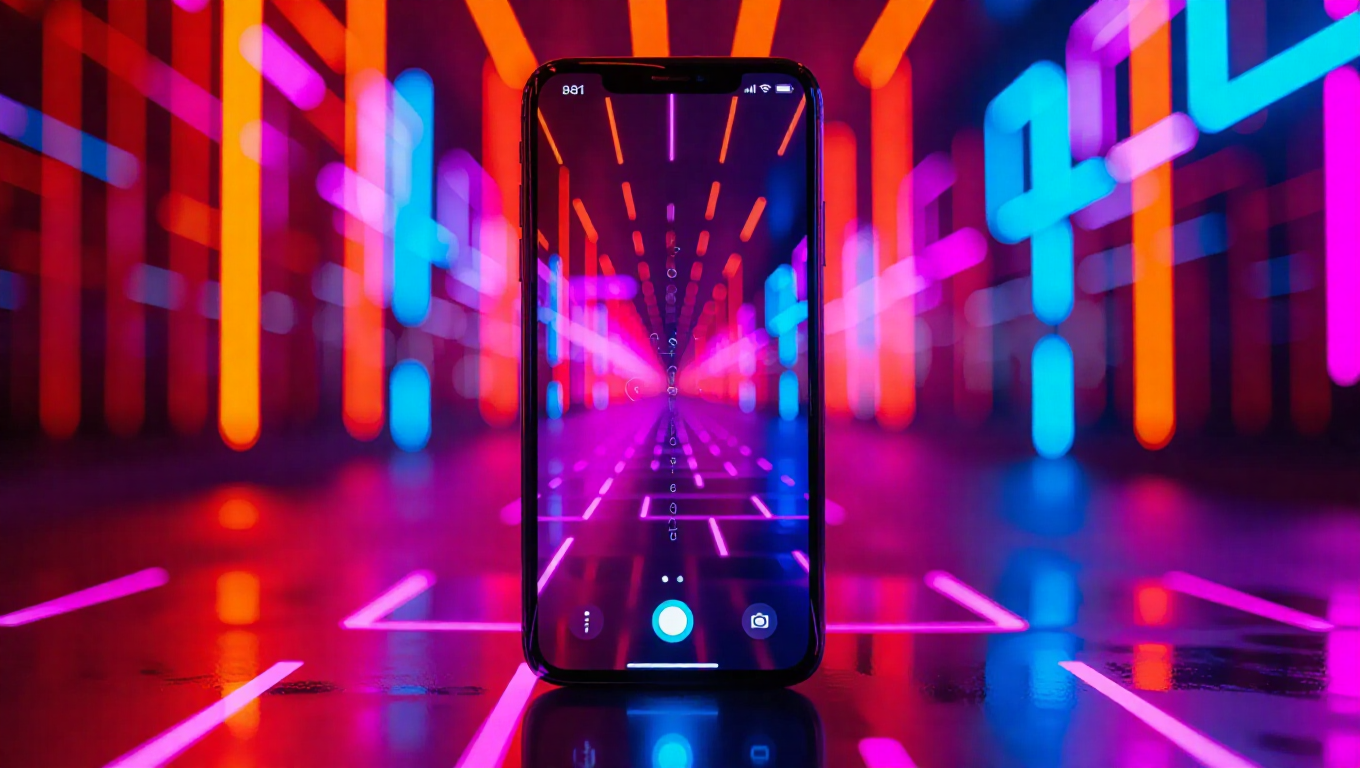
The new fullscreen animation represents a more substantial visual transformation. Rather than confining the visual effects to a smaller overlay area, the glow now expands across the entire screen, creating a more immersive experience that better communicates the AI's active state. This change aligns with modern design trends that prioritize full-screen experiences and seamless transitions between different interface states.
Enhanced User Experience
The shift to a fullscreen glow animation serves multiple purposes beyond mere aesthetic improvement. The expanded visual footprint provides clearer feedback to users, ensuring they understand when Gemini is actively listening and processing their requests. This enhanced visual communication can reduce user confusion and improve the overall reliability of AI interactions.
Additionally, the fullscreen approach creates a more cohesive experience that better integrates the AI assistant with the overall Android interface. By occupying more screen real estate during activation, the Gemini overlay establishes a stronger visual presence that distinguishes it from other system functions and third-party applications.
Design Philosophy and Future Implications
This visual update reflects Google's broader design philosophy for AI interfaces, which emphasizes clarity, immersion, and seamless integration. The fullscreen glow animation represents a step toward more natural and intuitive AI interactions, where visual feedback becomes an integral part of the user experience rather than an afterthought.
The timing of this update suggests Google is preparing for more sophisticated AI interactions that may require clearer visual cues. As AI assistants become more capable and integrated into daily smartphone use, the need for unambiguous visual indicators becomes increasingly important. The fullscreen approach provides a foundation for future enhancements that might include more complex animations or interactive elements.
Conclusion
The transition to a fullscreen glow animation for the Gemini overlay marks another step in Google's ongoing refinement of AI interfaces on Android. This visual enhancement not only improves the aesthetic appeal of the assistant but also strengthens the communication between user and AI. As Google continues to develop its AI capabilities, such interface improvements will play a crucial role in making advanced technology more accessible and intuitive for everyday users. The fullscreen glow represents a thoughtful evolution that balances visual appeal with functional clarity, setting the stage for more sophisticated AI interactions in the future.