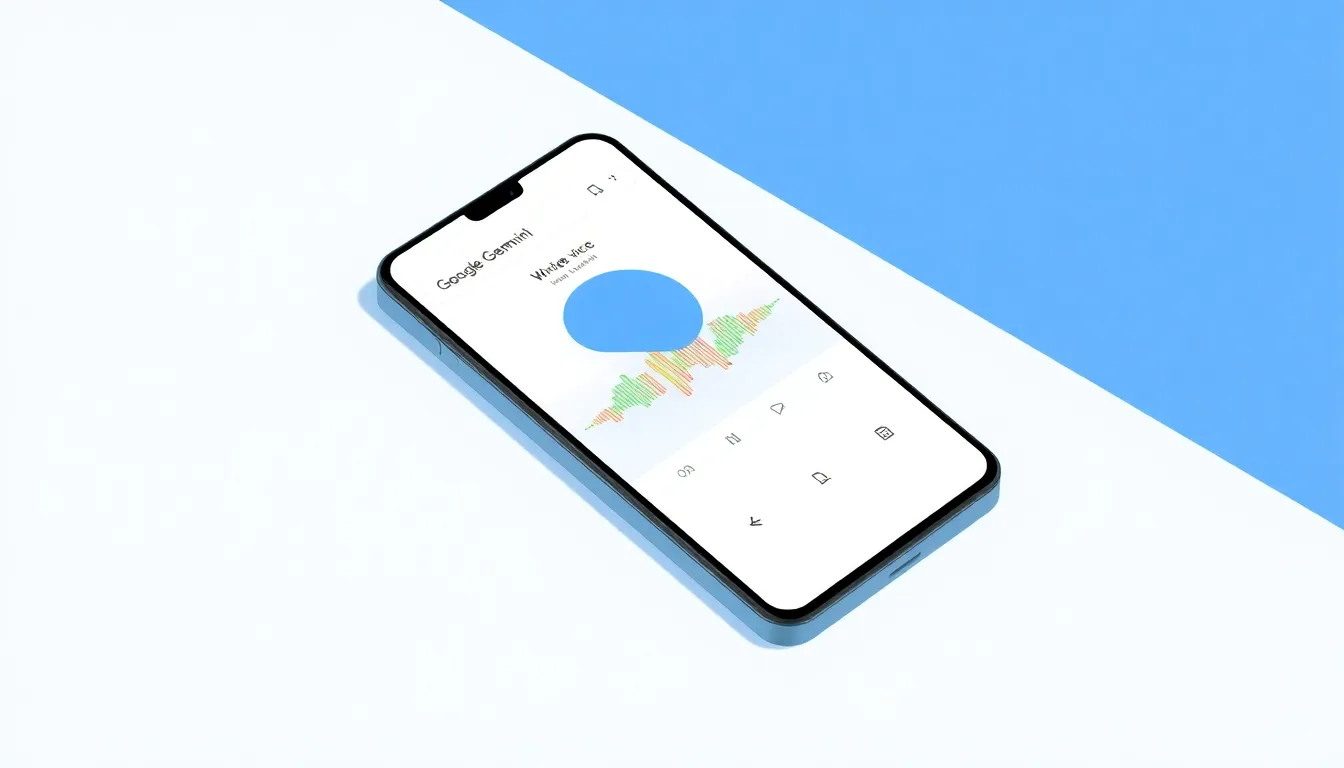
Gemini for Android Redesigns Voice Input to Be Like Audio Memos
Google's Gemini app for Android has undergone a significant redesign of its voice input interface, shifting from traditional real-time transcription to a design that closely resembles audio memos in popular messaging applications. This change represents a notable departure from the previous voice interaction model and reflects evolving user expectations for voice-based AI interactions.
Waveform Interface Replaces Text Preview
The most visible change in the redesign replaces the previous blue pulsating circle and real-time text transcription with a waveform display. When users tap the microphone icon, they no longer see their words appearing immediately above the input field. Instead, a visual waveform responds to their voice, similar to how audio messages appear in messaging platforms like WhatsApp or Telegram.
Upon first launch, the app explains the new functionality: "When you're done speaking, tap Stop or Send." This instruction highlights the two primary actions available to users after completing their voice input. The redesign maintains the existing voice input behavior in the Gemini overlay accessed through corner swipes or power button holds, which continues to use the previous interface.
Enhanced Control with Stop and Send Options
The new interface introduces dedicated "Stop" and "Send" buttons that appear after users finish speaking. Tapping "Stop" returns users to the prompt box with their transcribed text ready for review or editing. If users press the microphone icon again, their previous input remains preserved rather than being cleared.
The "Send" button, which features a subtle pulsating animation, immediately submits the voice command to Gemini for processing. Users can see their transcribed text above the input field as the AI processes their request. The system maintains voice input activation for a period if no action is taken, providing flexibility for users who may pause during dictation.
Design Philosophy and User Experience
The redesign appears to be influenced by user behavior patterns observed in voice interactions with AI assistants. The absence of real-time transcription preview may initially feel unusual for users accustomed to seeing their words appear as they speak, particularly in a transcription context. However, this approach aligns more closely with audio recording interfaces where immediate text feedback is less common.
This design choice likely stems from user testing data suggesting that people rarely edit their transcribed text when interacting with AI chatbots. Modern language models have become increasingly adept at understanding imperfect dictation, including handling typos and minor speech recognition errors. The interface prioritizes a cleaner, less distracting experience that reduces cognitive load during voice interactions.
Availability and Alternatives
The redesigned voice input feature appears to be rolling out widely through the latest stable and beta versions of the Google app on Android devices. The update has not yet reached iOS platforms, maintaining platform-specific development timelines.
Users who prefer the previous voice input behavior have alternative options available. They can continue using keyboard-based voice dictation features or access the Gemini overlay, which retains the original interface with real-time transcription. This provides flexibility for different user preferences and interaction styles.
Conclusion
Google's redesign of Gemini's voice input interface represents a thoughtful evolution toward more intuitive voice interactions. By adopting design patterns familiar from messaging apps, the update makes voice commands feel more natural and less technical. The shift from real-time transcription to a waveform-based interface acknowledges that users increasingly treat AI voice interactions as conversations rather than precise dictation sessions.
While the change may require some adjustment for long-time users, it aligns with broader trends in voice interface design that prioritize simplicity and familiarity. As AI assistants become more integrated into daily communication patterns, interfaces that resemble established messaging conventions help lower barriers to adoption and make advanced technology feel more accessible. The continued availability of alternative input methods ensures that users can choose the interaction style that best suits their needs and preferences.