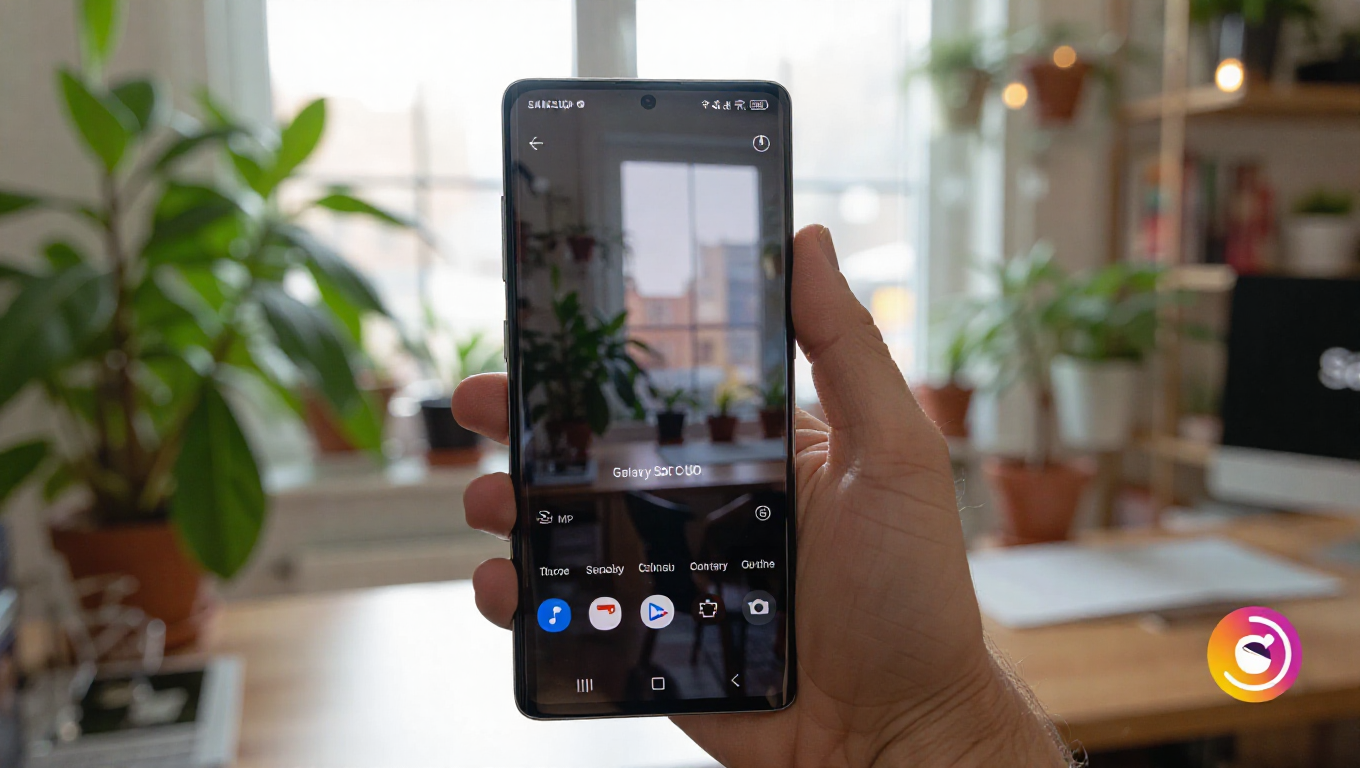
Galaxy S26 Ultra's Hidden 24MP Camera Mode: A Balanced Shooting Option
The Samsung Galaxy S26 Ultra boasts one of the most sophisticated camera systems in the smartphone market, featuring a 200MP primary sensor and a 50MP telephoto lens, both with enhanced apertures for improved low-light performance. Beyond the standard 12MP, 50MP, and 200MP resolution options, the device supports a 24MP still image mode. However, this feature is not immediately accessible through the default camera interface.
Unlocking the 24MP Mode
To enable the 24MP resolution setting, users must download and install Samsung's Camera Assistant application from the Galaxy Store. Although this is an official first-party app developed by Samsung, it does not come pre-installed on the device. Once installed, the option to activate the 24MP mode can be found within the Camera Assistant app's settings. After enabling it, the 24MP resolution becomes available as a selectable option in the standard Camera app.
Purpose and Performance of Different Resolutions
Each resolution setting on the Galaxy S26 Ultra serves a distinct photographic purpose. The 12MP mode is generally considered to deliver the best overall image quality, with optimal dynamic range, noise control, and color consistency. The 50MP and 200MP modes capture significantly more detail, which is advantageous for cropping or digital zooming, but they may not match the 12MP mode's performance in terms of color accuracy and dynamic range in all lighting conditions.
The 24MP Advantage
The 24MP mode is positioned as a balanced alternative between these extremes. It is designed to offer more resolution than the 12MP setting while maintaining superior dynamic range and color performance compared to the 50MP and 200MP modes. This makes it a versatile choice for users who want additional detail without compromising on the image processing benefits typically associated with lower-resolution outputs.
It is important to note that this 24MP mode in the default Camera app is distinct from the 24MP option available in Samsung's Expert RAW application. The mode discussed here is optimized for automatic, point-and-shoot photography, requiring no manual adjustments to settings like ISO, shutter speed, or exposure to achieve pleasing results.
Conclusion
The hidden 24MP camera mode on the Galaxy S26 Ultra represents a thoughtful addition for photographers seeking a middle ground between detail and image quality. While the requirement to install a separate app may be a minor inconvenience, the feature itself provides a practical shooting option that leverages the phone's advanced hardware. For users who prioritize a balance of resolution and processed image fidelity, enabling this mode could enhance their everyday photography experience.