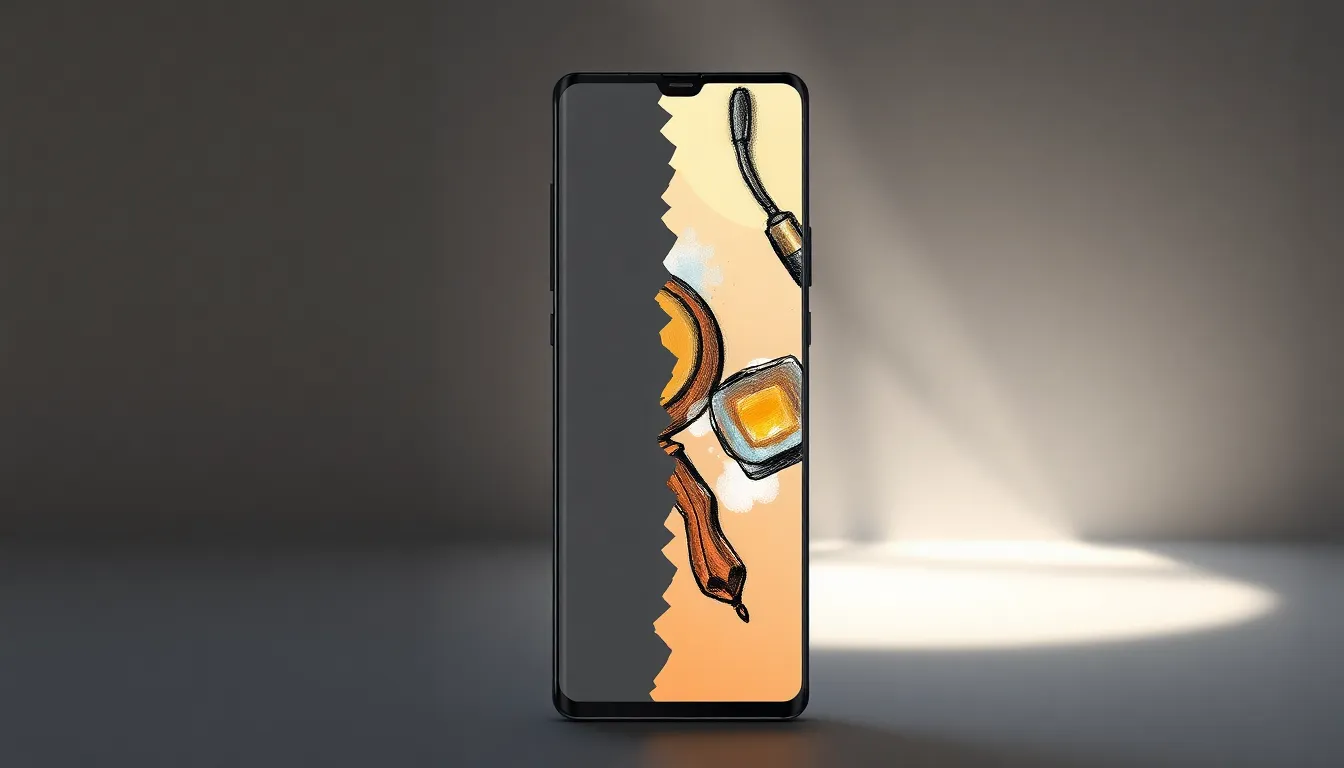
Galaxy S26 Ultra's Creative Studio Turns Doodles into Stunning Wallpapers
In the crowded landscape of 2026 flagship smartphones, where AI features have become standard fare, the Galaxy S26 Ultra manages to stand out with an unexpectedly delightful capability. While most AI implementations focus on productivity or photography enhancement, one particular feature has captured user attention for its creative potential and sheer enjoyment factor.
The Unexpectedly Addictive Creative Studio
Among the numerous AI-powered tools packed into the Galaxy S26 Ultra, the Creative Studio feature has emerged as a surprising favorite. This functionality allows users to transform even the most rudimentary sketches into professional-looking wallpapers through sophisticated AI processing. What begins as a simple doodle or basic drawing can be enhanced, refined, and stylized into artwork worthy of gracing the device's high-resolution display.
The process is remarkably straightforward: users can either draw directly on the screen using the S Pen or upload existing sketches. The AI then analyzes the basic shapes and concepts, applying artistic filters, color corrections, and composition improvements to create polished results. This transforms what might have been a simple line drawing into a sophisticated digital artwork, complete with depth, texture, and professional finishing touches.
Beyond Simple Enhancement
What makes this feature particularly compelling is its ability to understand artistic intent while improving execution. Rather than simply applying generic filters, the AI appears to recognize elements like perspective, subject matter, and style preferences. This allows it to make intelligent adjustments that preserve the original creative vision while elevating the technical quality.
Users report that the feature has become surprisingly addictive, with many finding themselves creating multiple wallpapers from simple sketches. The immediate gratification of seeing amateur drawings transformed into professional-looking artwork provides a unique satisfaction that goes beyond typical phone customization options. This has led to a more personalized device experience, with wallpapers that carry genuine creative investment rather than being selected from generic galleries.
A New Approach to Personalization
The Creative Studio represents a shift in how users interact with their devices' customization features. Instead of choosing from pre-made options or applying basic edits to existing images, users can now create truly original content with minimal artistic skill. This democratizes digital art creation, making sophisticated visual design accessible to anyone willing to attempt even basic sketches.
This feature also showcases how AI can enhance rather than replace human creativity. The technology serves as a collaborative tool that amplifies users' creative efforts, providing professional polish to personal expressions. This balance between user input and AI enhancement creates a more engaging and satisfying creative process than fully automated alternatives.
Conclusion: More Than Just Another AI Feature
While the Galaxy S26 Ultra contains numerous advanced AI capabilities, the Creative Studio stands out for its unique combination of accessibility, creativity, and practical utility. It transforms what could have been a gimmick into a genuinely useful tool that encourages artistic expression and provides tangible results. The feature's popularity suggests that users value AI implementations that enhance personal creativity rather than simply automating tasks.
As smartphone AI continues to evolve, features like the Creative Studio point toward a future where technology serves not just productivity needs but also creative aspirations. By making sophisticated artistic tools accessible to all users, regardless of skill level, such features enrich the smartphone experience in ways that go beyond traditional metrics of performance and functionality.