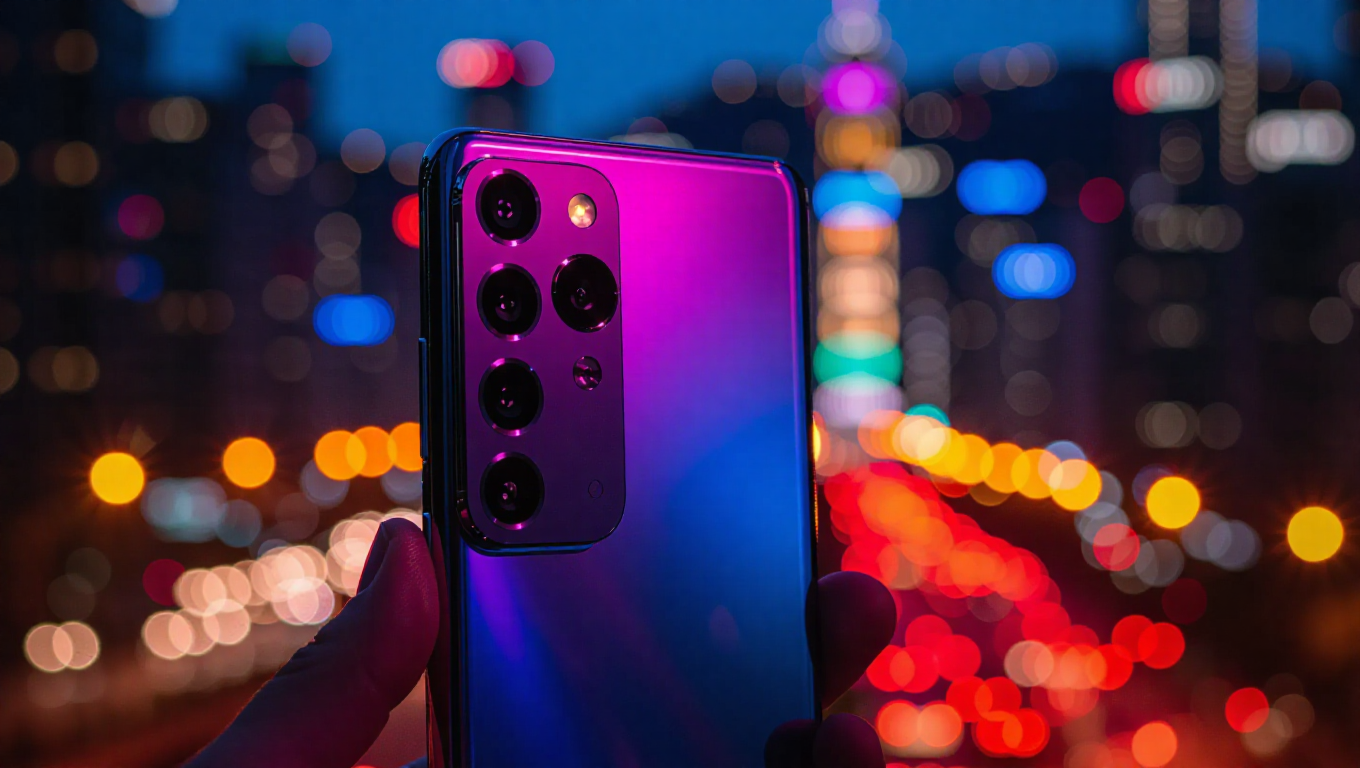
Galaxy S26 Ultra's 24MP Camera Mode: Not Default, But a Notable Upgrade
As the Galaxy S26 series launch approaches next month, camera capabilities remain a focal point for the flagship Ultra model. While major hardware improvements appear limited, a new 24MP shooting mode has emerged as a significant software enhancement. However, this feature won't be the phone's default resolution setting, requiring users to activate it through a specific process.
How to Access the 24MP Mode
The 24MP resolution option must be enabled through the Camera Assistant app, where it will appear in the Advanced Resolution Options section at the top of the screen. Once activated, this mode becomes available in both Photo and Portrait modes within the default Camera app. This implementation mirrors the approach Apple introduced with the iPhone 15 series, marking Samsung's adoption of a similar high-resolution shooting option for everyday use.
Technical Improvements Over Existing Options
This new 24MP mode differs substantially from the 24MP option already available in Samsung's Expert RAW app. While Expert RAW targets advanced photographers with manual controls, it has faced criticism for issues like oversharpening and purple fringing. The new Camera Assistant-enabled 24MP mode is designed specifically for daily usage, reportedly delivering cleaner images with higher detail while avoiding the processing artifacts that have plagued Expert RAW.
Processing these 24MP images will reportedly take up to three seconds, but all processing occurs in the background without causing lag in the camera app interface. This parallel processing approach ensures users can continue shooting while images are being optimized.
Exclusivity and Upgrade Strategy
Perhaps most notably, this 24MP feature will be exclusive to the Galaxy S26 Ultra and won't be released to the Galaxy S25 Ultra, despite both phones using the same ISOCELL HP2 camera hardware. This strategic exclusivity appears designed to incentivize upgrades to the newer model, as the capability difference stems from software rather than hardware limitations.
The decision to make 24MP a non-default option that requires manual activation suggests Samsung is prioritizing user experience for the majority of photographers who may prefer faster shooting and smaller file sizes. The 12MP default likely remains for its proven balance of quality, processing speed, and storage efficiency.
Conclusion
The Galaxy S26 Ultra's 24MP camera mode represents a meaningful step forward in mobile photography, offering users who seek higher resolution an improved option over existing solutions. While requiring manual activation through Camera Assistant, the mode addresses previous quality concerns and provides a practical high-resolution alternative for everyday shooting. The exclusivity to the S26 Ultra highlights how software differentiation continues to drive flagship smartphone upgrades, even when hardware remains consistent across generations. For photography enthusiasts, this feature alone may justify the upgrade, while casual users can continue enjoying the reliable 12MP default that has served Samsung flagships well for years.