Galaxy S26 Ultra Privacy Display: A Closer Look at Samsung's Hardware Solution
Among the headline features of the newly launched Galaxy S26 Ultra, the Privacy Display stands out as addressing a common user concern: the vulnerability of smartphone screens to prying eyes in public spaces. This built-in functionality represents a shift from aftermarket solutions to integrated hardware protection.
How the Privacy Display Works
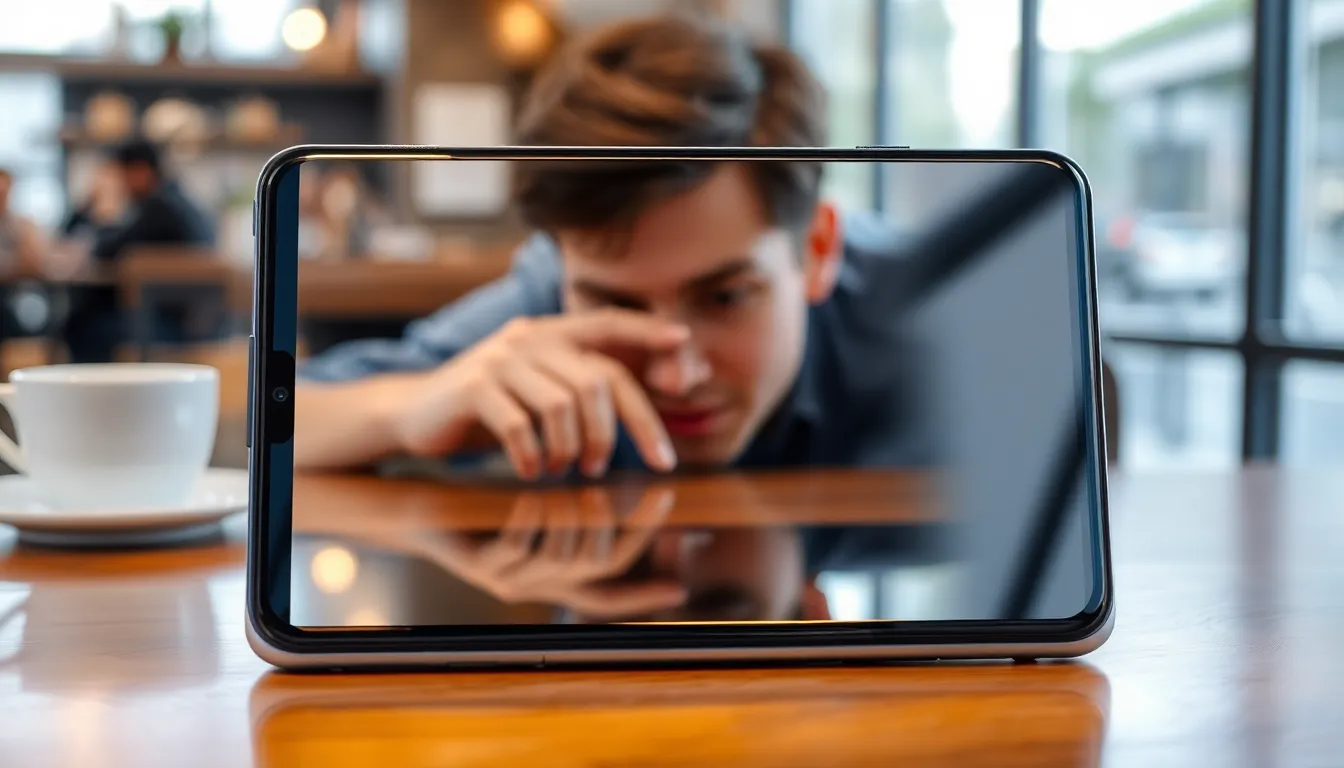
The Privacy Display operates by significantly reducing screen visibility from side angles when enabled. This creates a visual barrier that prevents people from seeing content when looking at the device from anywhere but directly in front. The effect is immediate and pronounced, making it difficult for anyone to peek over the user's shoulder or from adjacent seats while the feature is active.
Unlike previous solutions that required third-party privacy screen protectors, Samsung has implemented this functionality at the hardware level. This integration means users no longer need to purchase and install additional accessories to achieve basic privacy protection. The control remains entirely with the user, who can toggle the feature on and off as needed for different situations.
The Trade-Off: Privacy vs. Display Quality
While the privacy benefits are substantial, there is a noticeable impact on display quality when the feature is enabled. The screen's visual characteristics change noticeably, with some degradation in clarity and color vibrancy compared to normal viewing mode. This trade-off is inherent to the technology, as the same physical properties that restrict viewing angles also affect how light reaches the user's eyes directly.
The implementation allows users to make conscious decisions about when privacy matters more than optimal display quality. In crowded environments like public transportation, coffee shops, or airports, the privacy benefit likely outweighs the visual compromise. For private viewing sessions where display quality is paramount, users can simply disable the feature.
A Welcome Addition with Practical Applications
The Privacy Display feature addresses a genuine pain point for smartphone users who frequently work with sensitive information in public spaces. From checking bank balances and private messages to reviewing confidential work documents, the feature provides an additional layer of security without requiring user behavior changes.
While not the first privacy screen technology available, its integration at the hardware level in a flagship device represents meaningful progress. Users who previously relied on third-party screen protectors now have a more elegant, integrated solution that doesn't require separate purchases or installation.
Conclusion
The Galaxy S26 Ultra's Privacy Display represents a thoughtful response to growing concerns about digital privacy in public spaces. By building privacy protection directly into the hardware, Samsung has created a solution that balances security needs with user convenience. While the feature does involve a trade-off in display quality when active, the ability to control this balance puts power back in users' hands. For those who frequently use their devices in public settings, this feature could prove to be one of the most practical additions to the S26 Ultra's feature set.