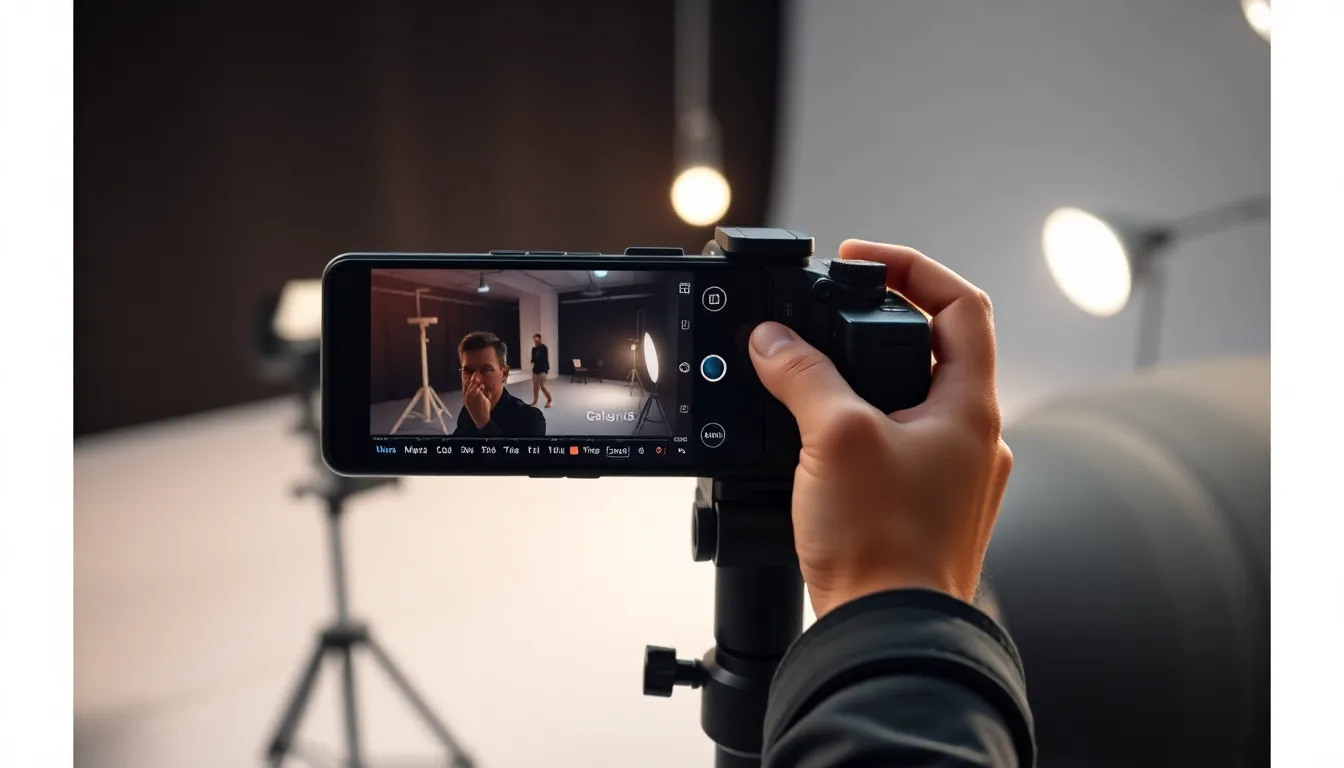
Galaxy S26 Ultra Camera: New Video Features Empower Content Creators
Samsung's latest flagship smartphone, the Galaxy S26 Ultra, may not feature revolutionary camera hardware upgrades, but it delivers significant software innovations that substantially enhance video creation capabilities. Three new features specifically target content creators and vloggers, transforming the device into a more professional video tool.
APV Codec: Professional-Grade Video Recording
The Galaxy S26 Ultra becomes the world's first smartphone to support the Advanced Professional Video (APV) codec. This new format enables near-lossless HDR video recording at up to 8K resolution at 30fps or 4K at 120fps. Unlike traditional formats like HEVC, APV is an intra-frame codec where each frame encodes independently, making video editing smoother with reduced latency during scrubbing and playback.
APV maintains high visual quality while using storage efficiently and supports HDR10, HDR10+, and wide color gamuts in 10-bit and 12-bit color. The format is optimized for professional workflows and compatible with popular editing applications including DaVinci Resolve, LumaFusion, and CapCut. Hardware-level support comes from both Exynos 2600 and Snapdragon 8 Elite Gen 5 chipsets, with software support introduced in Android 16.
Real-Time LUT Previews for Log Video
Building on the Samsung Log profile introduced with the Galaxy S25 Ultra, which captures flat color for maximum dynamic range and grading flexibility, the S26 Ultra removes a significant limitation. Users can now apply look-up tables (LUTs) and preview color adjustments in real time while recording log footage. This allows creators to visualize their final look during capture rather than waiting until post-production.
Additionally, Samsung has enabled LUT editing directly within the Gallery app, allowing on-device color grading without transferring footage to a computer. Videos can also be stored directly on connected external storage devices like SSDs, a feature that debuted with the Galaxy S25 series.
Built-In Cinematic LUT Profiles
Samsung has incorporated several cinema-style LUT presets specifically designed for log videos recorded on the Galaxy S26 Ultra. These presets simplify color grading and provide distinct stylistic looks across multiple categories:
- Basic: Accurate colors and balanced exposure
- Blockbuster
- Coming of Age
- Romance
- Thriller
Each genre includes three variations, though these additional options are currently only available through desktop editing applications like DaVinci Resolve or LumaFusion. These presets offer creators immediate access to professional-grade color treatments without extensive grading knowledge.
Display Considerations
While the camera features represent significant advancements, it's worth noting that the Galaxy S26 Ultra features an 8-bit display rather than the initially suggested 10-bit panel. The device achieves reduced color banding through frame rate control (FRC) technology, which simulates 10-bit color depth on the 8-bit panel. This implementation still provides improved color accuracy compared to previous models, though dedicated 10-bit displays remain absent from Samsung's smartphone lineup.
Conclusion
The Galaxy S26 Ultra's video enhancements represent a strategic focus on creator tools rather than hardware specifications. The combination of APV codec support, real-time LUT previews, and cinematic color profiles creates a comprehensive video ecosystem that bridges the gap between smartphone convenience and professional workflow requirements. While display specifications may not match some competitors, the camera software innovations position the S26 Ultra as a compelling option for mobile-first creators seeking advanced video capabilities in a portable form factor.