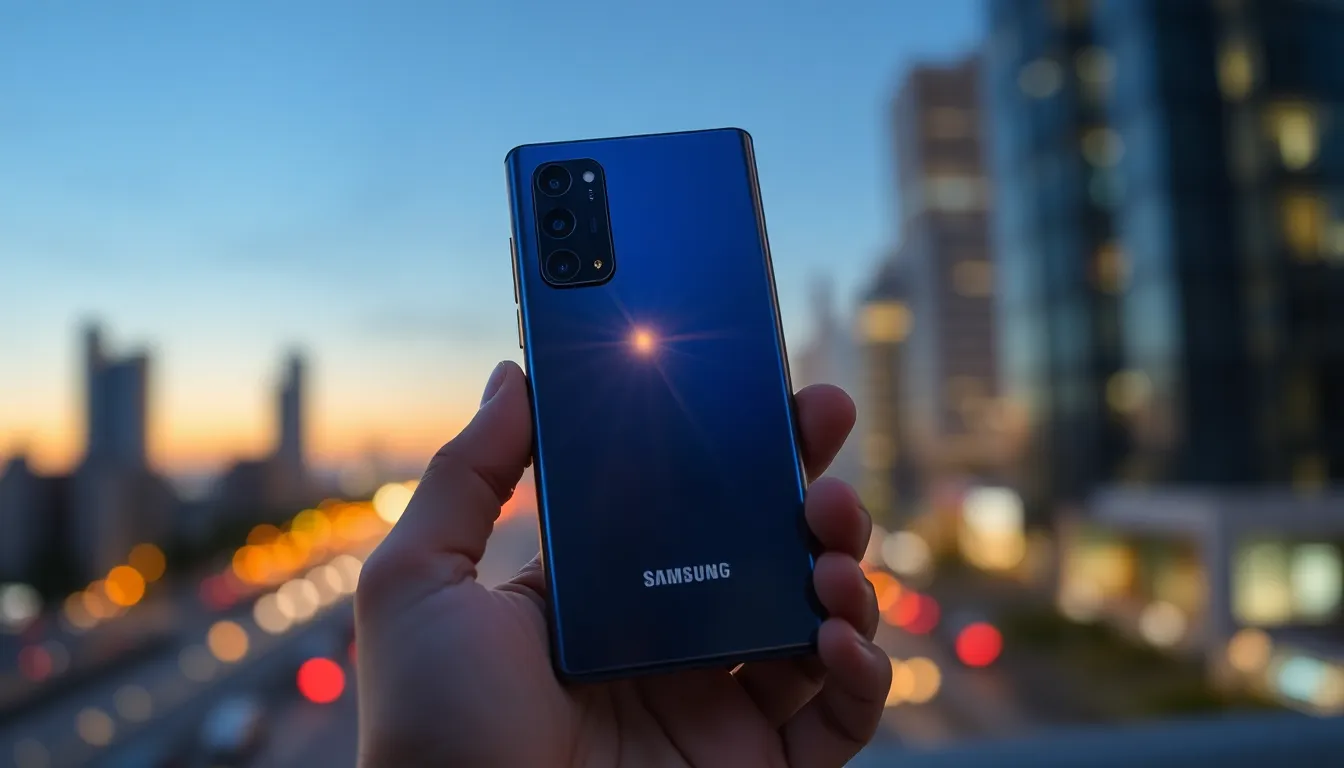
Four Galaxy S26 Ultra Camera Improvements Samsung Didn't Talk About
While Samsung highlighted the Galaxy S26 Ultra's wider apertures for its 200MP primary and 50MP telephoto cameras, several software-driven enhancements flew under the radar. These upgrades, enabled by the more powerful Snapdragon 8 Elite Gen 5 processor, refine the photography experience without changing the core sensors from the previous model.
1. Significantly Better 200MP Images
For years, Samsung's 200MP mode captured high-resolution photos that often lacked the polish of standard 12MP shots due to limited processing. The Galaxy S26 Ultra changes this by applying multi-frame HDR and advanced noise reduction to full-resolution 200MP captures. The result is clearer, more detailed images with a wider dynamic range, making the 200MP setting more practical for everyday use.
2. Virtual Aperture in Portrait Mode
Although the phone lacks a physical variable aperture, Samsung has integrated a Virtual Aperture feature directly into the stock Camera app's Portrait Mode. This allows users to digitally adjust the aperture value to control the depth of field and bokeh effect when photographing people or pets. Previously limited to the Expert RAW app, this tool now offers greater creative control in the main camera interface.
3. A New 24MP AI Fusion Mode
Samsung has introduced a 24MP resolution option in the stock Camera app, bridging the gap between detail-rich high-resolution shots and the color accuracy of 12MP images. This mode uses an AI Fusion system to combine a multi-frame processed 12MP image with a 50MP high-resolution capture. The output delivers more detail than a standard 12MP photo while maintaining similar dynamic range and color fidelity. Note that this feature requires enabling via the downloadable Camera Assistant app from the Galaxy Store.
4. Auto Option for Motion Photo
Motion Photo, which records a short video clip alongside a still image, now includes an Auto setting. When enabled, the feature only saves a Motion Photo if sufficient movement is detected in the scene. This prevents unnecessary video files from being stored when capturing static subjects like landscapes, optimizing storage space without sacrificing functionality.
Conclusion
These four enhancements demonstrate Samsung's focus on refining the camera experience through software and processing improvements. From making high-resolution modes more usable to adding smarter capture options, these updates collectively enhance the Galaxy S26 Ultra's versatility for both casual photographers and enthusiasts seeking greater control.