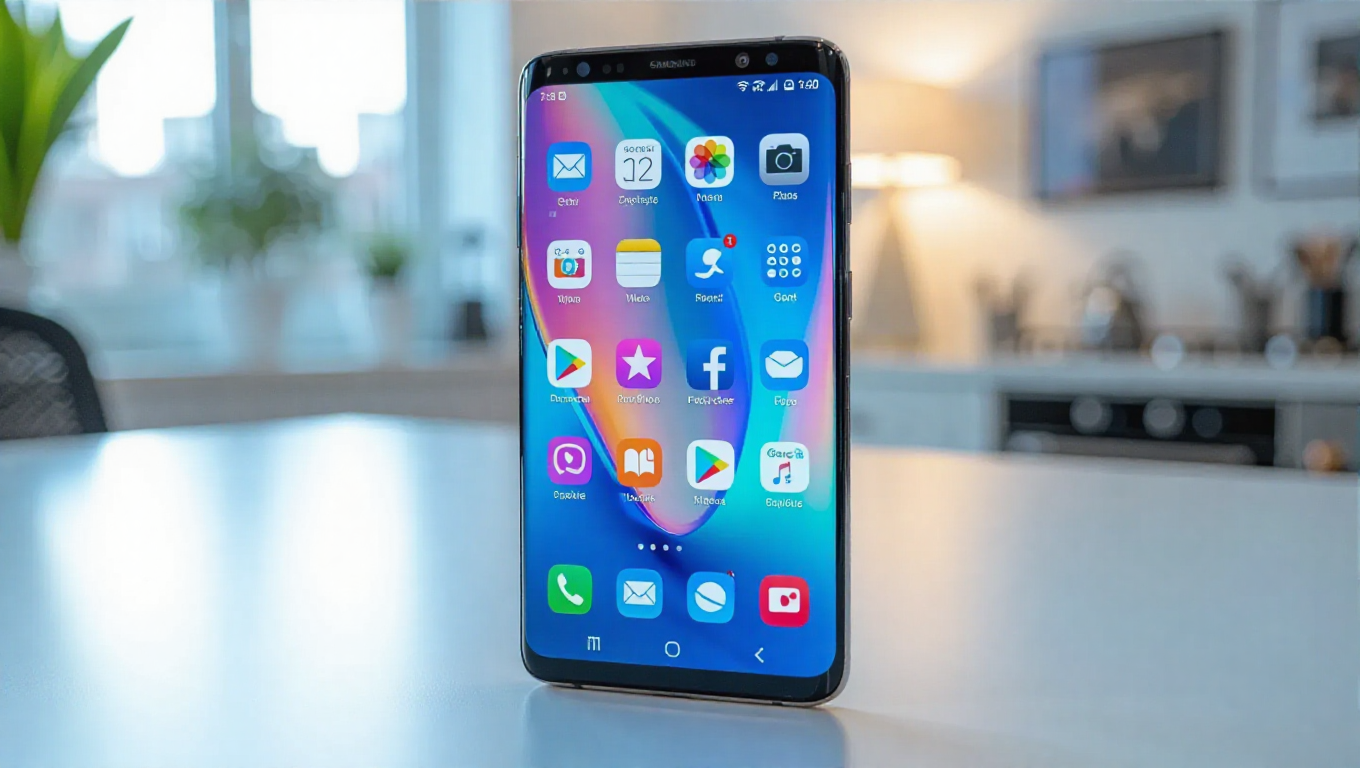
Customize Galaxy Home Screen Folders with One UI 8.5
Samsung's One UI interface has long been praised for its customization capabilities, and with the latest One UI 8.5 update, users can now fine-tune home screen folders to unprecedented levels. This feature allows Galaxy phone owners to resize folders arbitrarily, adjust transparency, and modify icon sizes within folders, providing a highly personalized home screen experience.
Getting Started with Custom Folder Sizes
To access these customization options, your device must be running One UI 8.5. The process begins with installing the Good Lock app from either the Galaxy Store or Google Play Store. Within Good Lock, users need to download the Home Up module—specifically version 17.5.00.18 or later. If this version isn't available through official channels, it can be manually installed via APK file.
Step-by-Step Customization Guide
Once Good Lock and Home Up are properly installed, open Good Lock and navigate to the Plugins tab. Select Home Up, enable the toggle at the top, then tap "Home screen." Scroll down to find the "Large folder" option and enable it. Users can then choose from three folder size presets: Medium (default), Large, or Custom. The Custom option allows for manual resizing by long-pressing folders on the home screen, similar to widget resizing.
Beyond size adjustments, the customization options extend to icon scaling within folders, background blur removal, and enabling scrolling functionality. Large folders can support up to two pages of scrolling, making navigation more efficient with fewer taps required to access apps.
Enhanced Home Screen Personalization
This update represents a significant advancement in Samsung's customization offerings. The ability to adjust folder transparency helps folders blend seamlessly with various home screen backgrounds and themes. The scrolling feature within folders is particularly useful for users who organize numerous apps into single folders, reducing clutter while maintaining accessibility.
The customization options work in conjunction with existing One UI features, allowing users to create truly unique home screen layouts that reflect their usage patterns and aesthetic preferences.
Conclusion
Samsung continues to expand customization possibilities with One UI 8.5, giving Galaxy users granular control over their home screen organization. The folder resizing and customization features provide practical benefits for daily use while offering creative freedom for personal expression. As smartphone interfaces evolve, such user-centric features demonstrate Samsung's commitment to providing flexible, personalized experiences for Galaxy device owners.