Chrome's Reading Mode Accessibility Lags Behind Samsung Internet
Google Chrome has made strides in improving its Reading Mode accessibility with its latest update, but the feature still requires more user interaction to access compared to Samsung Internet's implementation. While Chrome now offers more customization options once activated, the fundamental accessibility gap persists between the two popular mobile browsers.
Improved But Still Indirect Access
Chrome's Reading Mode has historically been inconsistent in its availability, only appearing when the browser detected suitable content. The latest update changes this by adding a dedicated "Show Reading Mode" option to the three-dot menu that appears on every webpage regardless of content type. This represents a significant improvement in consistency, ensuring users can always find the feature when needed.
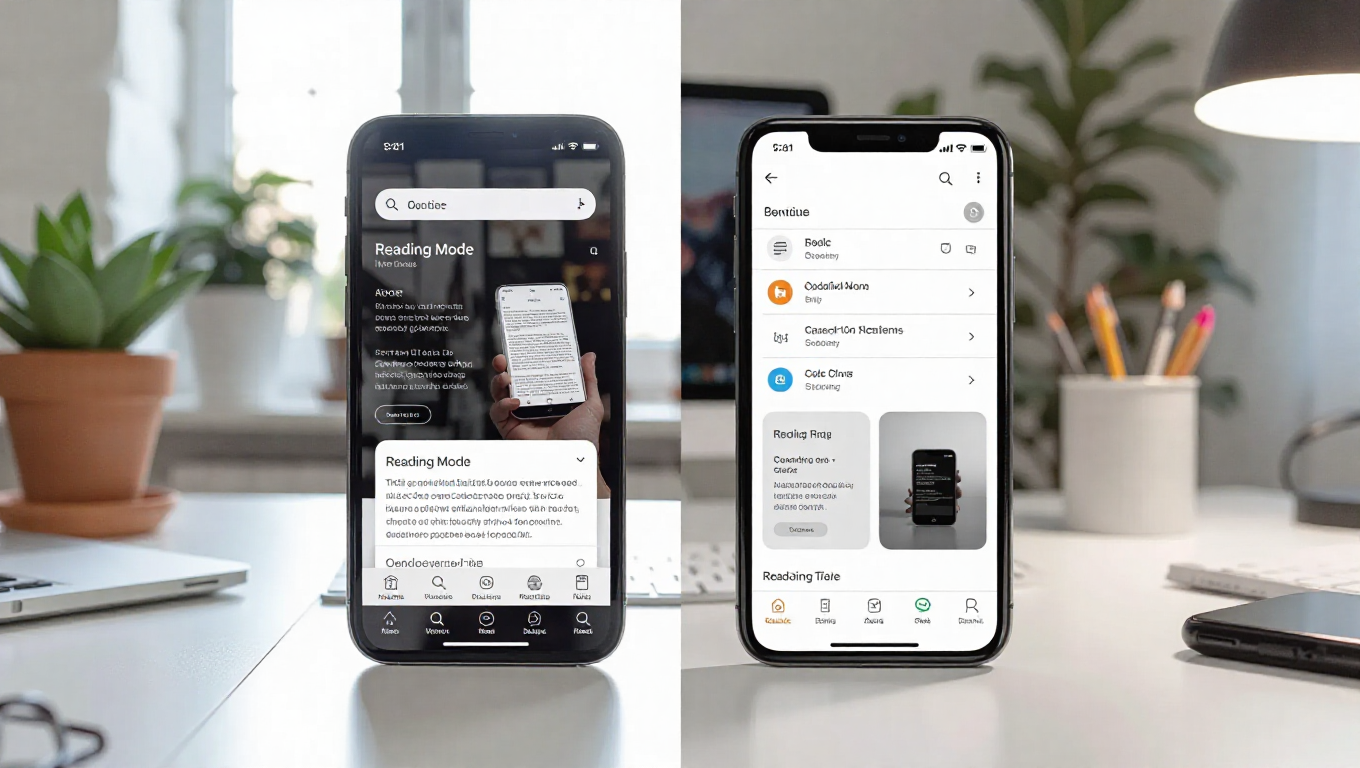
However, this implementation still requires users to tap the menu button and then select the Reading Mode option, adding extra steps compared to Samsung Internet's approach. Samsung's browser displays its Reader Mode button directly within the URL bar when it detects articles or text-heavy content, allowing for single-tap activation without navigating through menus.
Customization Advantages
Where Chrome's Reading Mode excels is in its customization capabilities. Once activated, users can access three different font styles: Mono, Sans Serif, and Serif. The feature also offers three background color options—black, sepia, and white—and allows text size adjustments ranging from 100% to 250%.
These customization options represent an area where Chrome currently surpasses Samsung Internet. Samsung's Reader Mode currently only supports text size adjustments, lacking the font style and background color options that Chrome provides. This gap in customization features has been noted as an area where Samsung could improve its browser experience.
The Accessibility Trade-off
The comparison highlights a fundamental design philosophy difference between the two browsers. Chrome prioritizes feature richness and customization, even if it means placing those features behind additional interface layers. Samsung Internet emphasizes immediate accessibility and streamlined interaction, placing frequently used features directly in the primary interface.
For users who regularly use reading modes, the difference in accessibility could significantly impact their browsing experience. Those who value quick access might prefer Samsung's approach, while users who prioritize customization options might find Chrome's implementation more appealing despite the extra steps required to activate it.
Conclusion
Google Chrome's Reading Mode has evolved to become more consistently available, but it still trails Samsung Internet in terms of accessibility. The requirement to navigate through menus contrasts with Samsung's one-tap access from the URL bar. However, Chrome compensates with superior customization options, offering font styles and background colors that Samsung currently lacks.
As both browsers continue to develop their reading features, the ideal solution might combine Samsung's accessibility with Chrome's customization. For now, users must choose between immediate access and richer personalization options, a decision that reflects broader differences in how these browsers approach user interface design and feature implementation.