Chrome for Android Enhances Bookmark Accessibility with New Feature
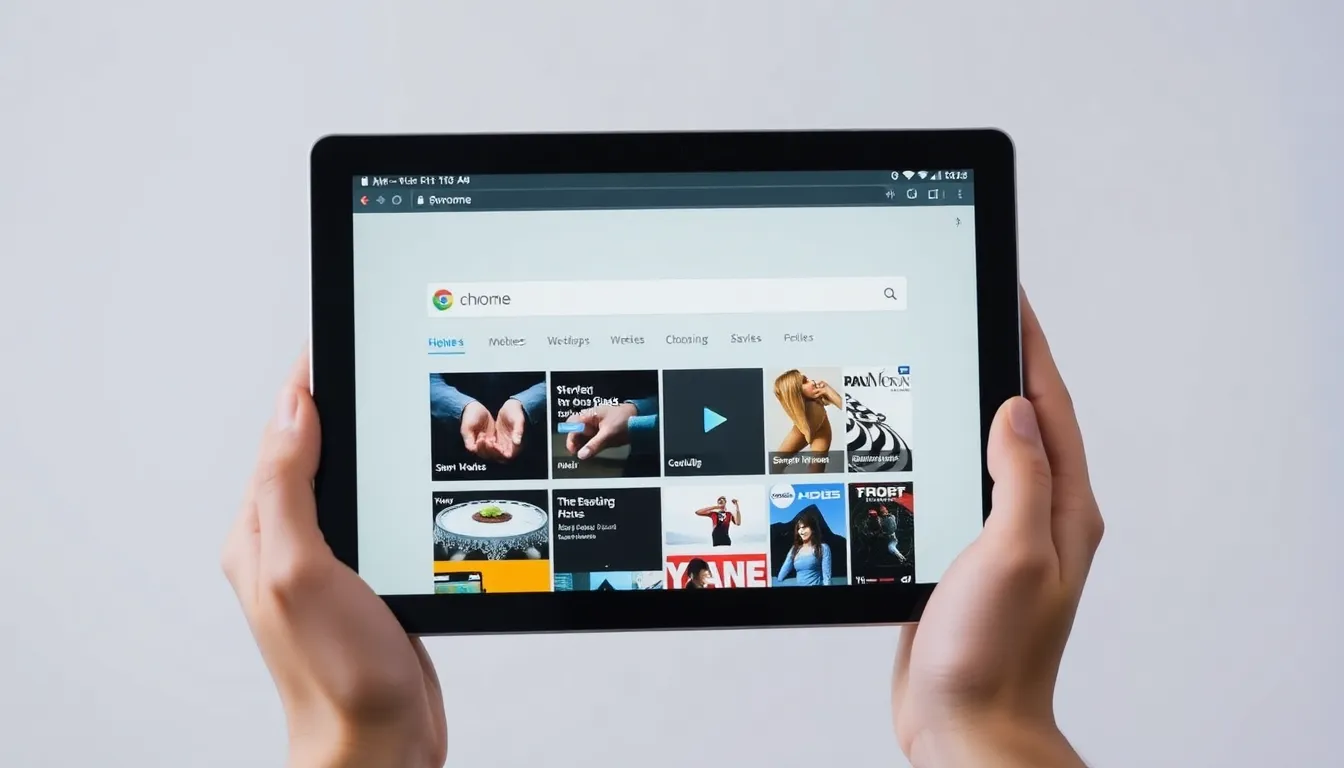
Google is rolling out a new feature for Chrome on Android that aims to streamline how users access their bookmarks. This update introduces a bookmark bar, a tool familiar to desktop users, now making its way to mobile devices, specifically targeting wide-screen formats like tablets.
Bringing Desktop Convenience to Mobile
The Chrome browser has long offered a consistent experience across platforms, but certain features, such as full extension support, have remained exclusive to desktop. The new bookmark bar marks a step toward closing this gap. On desktop, the bookmark bar provides quick, one-click access to frequently visited sites, saving users from navigating through menus. Now, Android users on devices with wider screens can enjoy similar convenience, reducing the steps needed to reach saved content.
Limited Rollout and Device Compatibility
Currently, this feature is in a phased rollout, appearing for select users on wide-screen Android devices. Reports indicate it is primarily available on tablets, where the larger display area can accommodate the bar without cluttering the interface. This targeted approach suggests Google is testing usability and performance before a broader release. Users on standard smartphones may not see the option yet, as the design likely prioritizes screen real estate optimization.
User Experience Implications
For those with access, the bookmark bar could significantly enhance productivity and browsing efficiency. Instead of tapping through multiple menus or relying on the address bar for suggestions, users can pin essential sites for instant retrieval. This is particularly beneficial for tasks like research, work, or frequent site visits, where every second counts. The move aligns with trends toward more seamless cross-device experiences, as users increasingly expect parity between mobile and desktop tools.
Conclusion
The introduction of a bookmark bar in Chrome for Android represents a thoughtful update aimed at improving accessibility for users on wider screens. By borrowing a proven feature from the desktop version, Google is making mobile browsing more intuitive and efficient. While the rollout is limited initially, it signals a commitment to refining the mobile Chrome experience. As testing progresses, more users can likely look forward to easier bookmark management in the near future, further blurring the lines between mobile and desktop browsing.