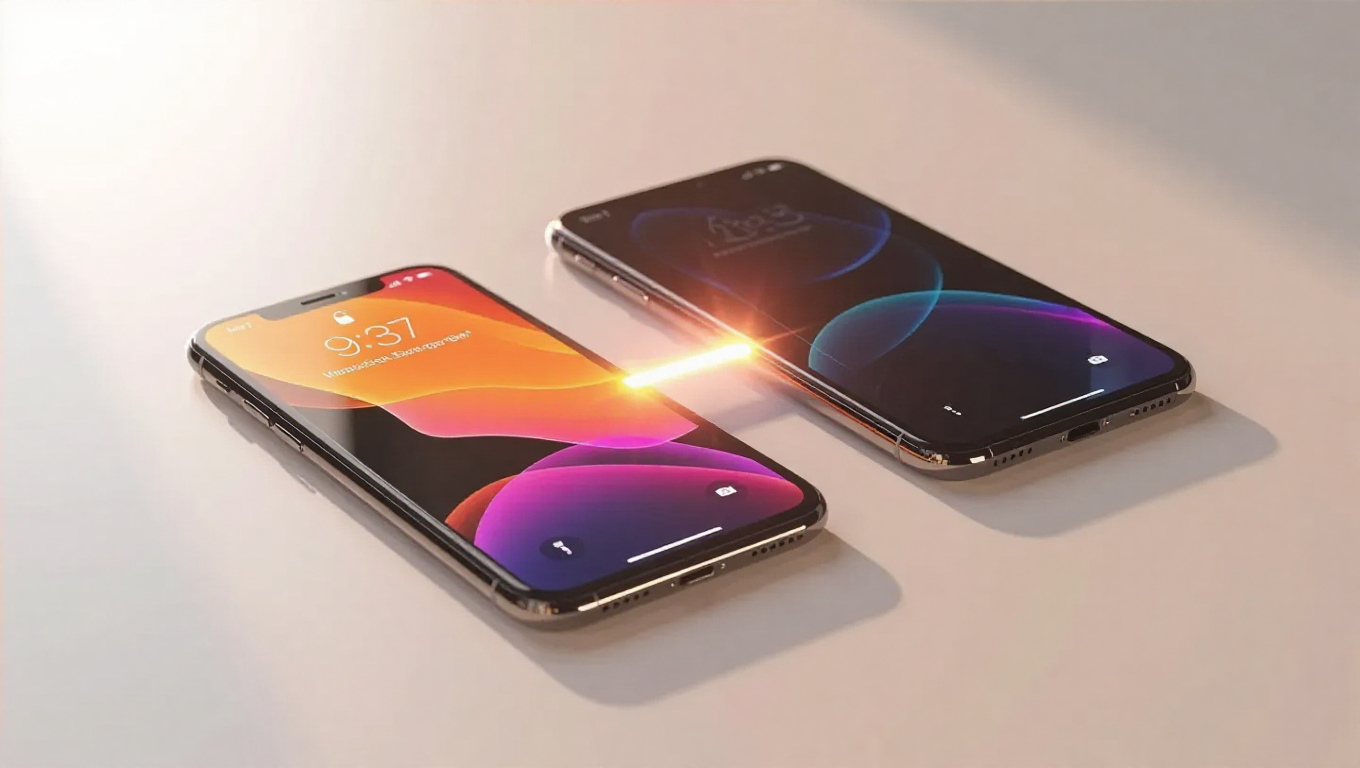
Apple Simplifies iPhone to Galaxy Data Transfer with iOS Update
In a significant move toward cross-platform compatibility, Apple has introduced a more streamlined method for transferring data from iPhones to Android devices, specifically benefiting users switching to Samsung Galaxy phones. This development marks a notable step in reducing friction between competing mobile ecosystems.
New Transfer to Android Feature in iOS 26.3
The iOS 26.3 update includes a dedicated "Transfer to Android" option within the Settings app, providing a guided process for migrating personal data. This feature allows users to transfer a wide range of content including apps, Live Photos, messages, notes, passwords, contacts, and standard photos. However, certain data types such as paired Bluetooth devices, health information, and protected items remain unsupported in the current implementation.
Simplified Transfer Process
The new transfer method eliminates previous limitations that required one device to be in setup mode. Users can now initiate the process by placing their iPhone and Android device side by side, scanning a QR code displayed on the Android phone, and entering session credentials. This approach represents a more user-friendly experience compared to earlier methods that often required additional steps or third-party applications.
Implications for Platform Switching
This development reflects ongoing efforts to improve interoperability between iOS and Android ecosystems. While Apple and Google have collaborated on transfer improvements in recent years, this specific implementation within iOS settings represents a more direct approach from Apple. The feature appears particularly beneficial for users considering Samsung Galaxy devices, as it addresses one of the primary concerns when contemplating a platform switch—data migration complexity.
Future Cross-Platform Considerations
Beyond data transfer improvements, there are indications that Apple is exploring additional cross-platform functionality. Reports suggest work is underway to enable non-Apple smartwatches to display notifications, potentially further reducing ecosystem barriers for users who mix devices from different manufacturers.
Conclusion
Apple's introduction of a simplified data transfer process represents a pragmatic acknowledgment of user mobility between platforms. While the feature doesn't support all data types, it addresses the core migration needs for most users considering a switch from iPhone to Galaxy devices. This development may influence consumer decisions by reducing perceived switching costs and could signal a broader trend toward increased interoperability in the mobile industry.