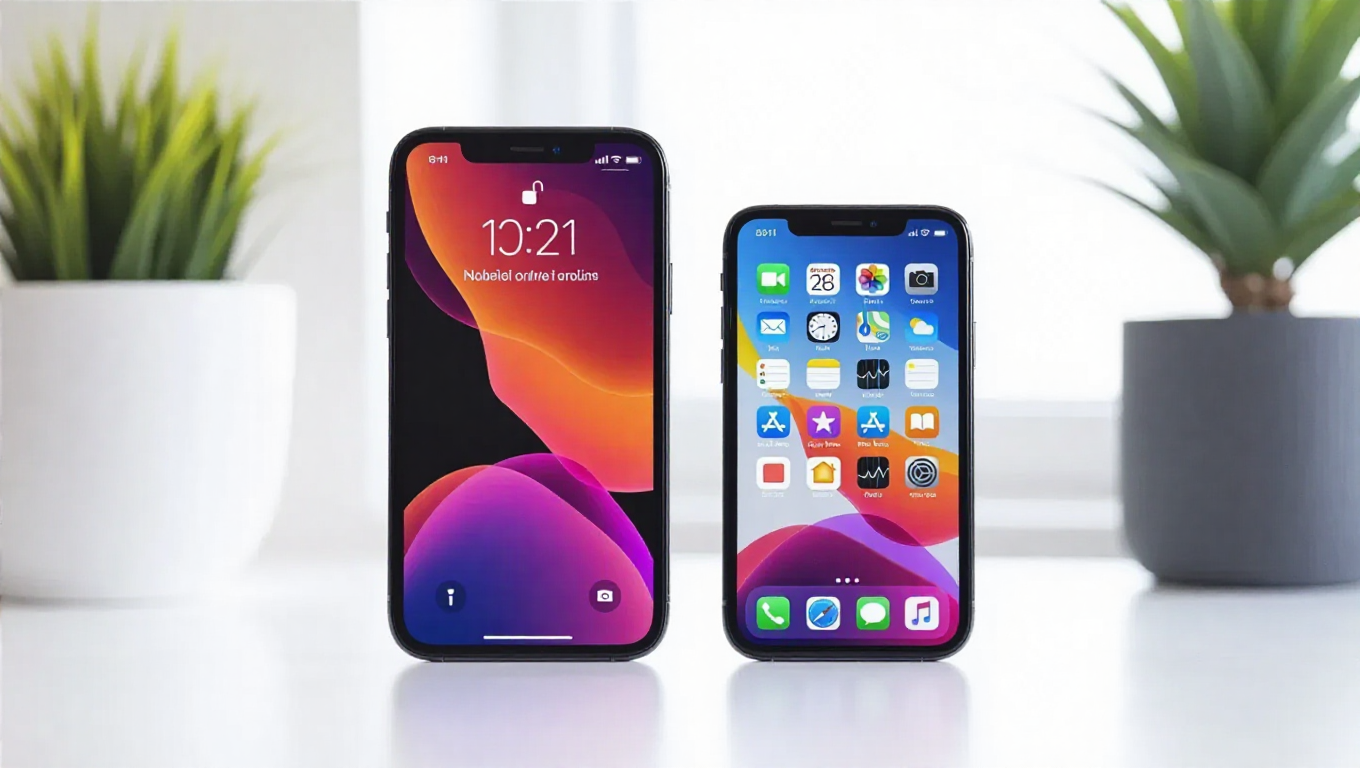
Apple Rolls Out iOS 26.2.1 and iPadOS 26.2.1 with Key AirTag Support
Apple has released new software updates for its mobile devices, with iOS 26.2.1 for iPhones and iPadOS 26.2.1 for iPads now available to download. While the version numbers suggest these are minor incremental updates, they introduce one significant new feature tied to a recently announced hardware product.
Enabling the Next-Generation AirTag
The primary addition in both iOS 26.2.1 and iPadOS 26.2.1 is support for Apple's newly announced second-generation AirTag tracker. This software update is required to fully utilize the capabilities of the new hardware. The second-generation AirTag features an upgraded ultra-wideband (UWB) chip that enhances Precision Finding, reportedly allowing users to locate tracked items from approximately 50% farther away compared to the first-generation model.
Alongside the improved UWB capabilities, the new AirTag also incorporates a more advanced Bluetooth chip with expanded range and a speaker that's 50% louder, making it easier to hear when searching for misplaced items. The iOS and iPadOS updates provide the necessary software interface to control and manage these new second-generation trackers through the Find My app.
Stability Improvements and Installation
Beyond the AirTag compatibility, the release notes for both updates mention unspecified bug fixes aimed at improving overall system stability and performance. While Apple hasn't detailed the specific issues addressed, such maintenance updates typically resolve minor software glitches, security vulnerabilities, or compatibility problems that may have been discovered since the previous release.
To install the updates, eligible iPhone and iPad users can navigate to Settings > General > Software Update on their devices. The download should begin immediately for supported models, with installation typically taking 10-20 minutes depending on device age and internet connection speed. As with any software update, it's recommended to back up important data before proceeding and ensure the device has sufficient battery life or is connected to power during installation.
Context and Expectations
This release follows Apple's pattern of providing timely software support for new hardware announcements. The simultaneous release for both iOS and iPadOS maintains consistency across Apple's mobile ecosystem, ensuring users of both iPhones and iPads can immediately take advantage of the new AirTag capabilities.
Given the minor version increment from 26.2 to 26.2.1, this update appears focused specifically on enabling the new AirTag functionality rather than introducing broader feature changes. Users looking for more substantial updates will likely need to wait for future point releases or the anticipated iOS 27 and iPadOS 27 updates expected later in the year.
Conclusion
iOS 26.2.1 and iPadOS 26.2.1 represent targeted updates that serve a specific purpose: enabling support for Apple's second-generation AirTag while addressing minor software issues. For users who plan to purchase the new tracker or who simply want to ensure their devices have the latest stability improvements, these updates are recommended. As always, maintaining current software versions helps ensure optimal security and compatibility with Apple's ecosystem of devices and services.