Apple Releases iOS 26.2 and iPadOS 26.2: New Features and Enhancements
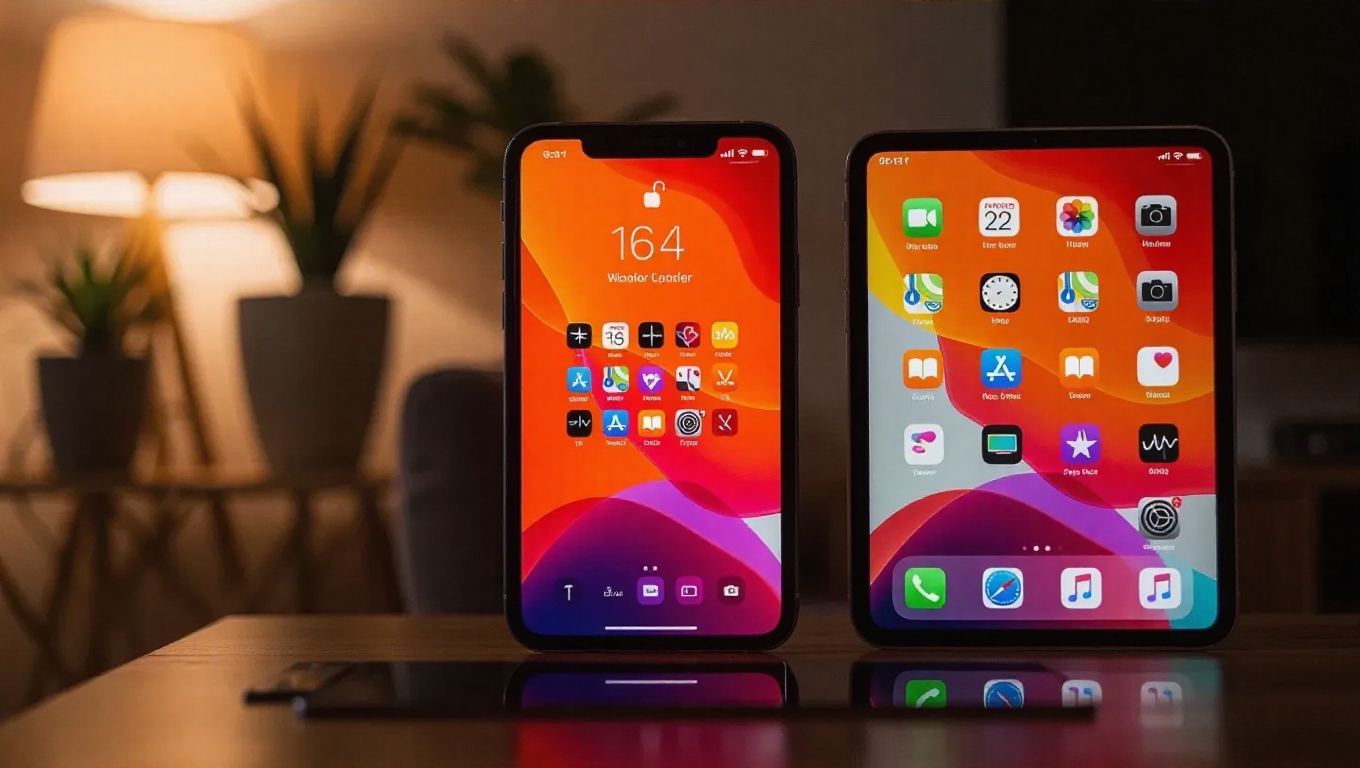
Apple has rolled out iOS 26.2 and iPadOS 26.2, bringing a suite of new features and improvements to compatible iPhones and iPads. These updates focus on productivity enhancements, interface customization, and expanded functionality across regions.
iOS 26.2: Enhanced Reminders and Interface Customization
The iOS 26.2 update introduces several notable additions. Users can now activate an alarm when a reminder is due, providing an extra layer of notification for important tasks. Interface customization has been expanded with the ability to adjust the opacity of the time display on the lock screen, allowing for greater personalization.
AirDrop functionality has been improved, though specific details about these enhancements remain unspecified. The Podcasts app receives new features, continuing Apple's refinement of its media applications.
Regionally, the update enables Live Translation functionality on AirPods in the European Union, expanding accessibility features. In Japan, support for alternative app stores and third-party voice assistants has been added, aligning with regulatory developments.
iPadOS 26.2: Advanced Multitasking Capabilities
iPadOS 26.2 focuses on enhancing the multitasking experience. Users can now drag and drop apps from the dock, Spotlight Search, and App Library directly into different viewing modes. Apps can be dragged to the far left or right to enter Slide Over mode, or to the left or right for tiled views.
Dragging an app to the center opens either a larger or smaller window, with visual indicators making the process intuitive. These improvements build upon iPadOS's existing multitasking framework, offering more fluid workspace management.
Availability and Installation
Both updates are available immediately for download. Users can check for the update by navigating to Settings > General > Software Update on their devices. The rollout is expected to reach all compatible devices gradually.
Conclusion
iOS 26.2 and iPadOS 26.2 represent incremental but meaningful updates to Apple's mobile operating systems. With enhancements ranging from practical reminder alarms and interface customization to sophisticated iPad multitasking tools, these updates continue Apple's pattern of refining user experience while adapting to regional requirements. Users seeking improved productivity and personalization will find these updates particularly valuable.