Apple Ends Support for iPad as Home Hub, Mandates HomePod or Apple TV
Apple has officially concluded the transition to its revamped HomeKit architecture, a move that permanently removes the iPad from the list of compatible devices for serving as a primary smart home hub. The change, which took effect recently, marks the end of an extended grace period for users who had relied on tablets to control their connected homes.
The Architecture Shift and Its Impact
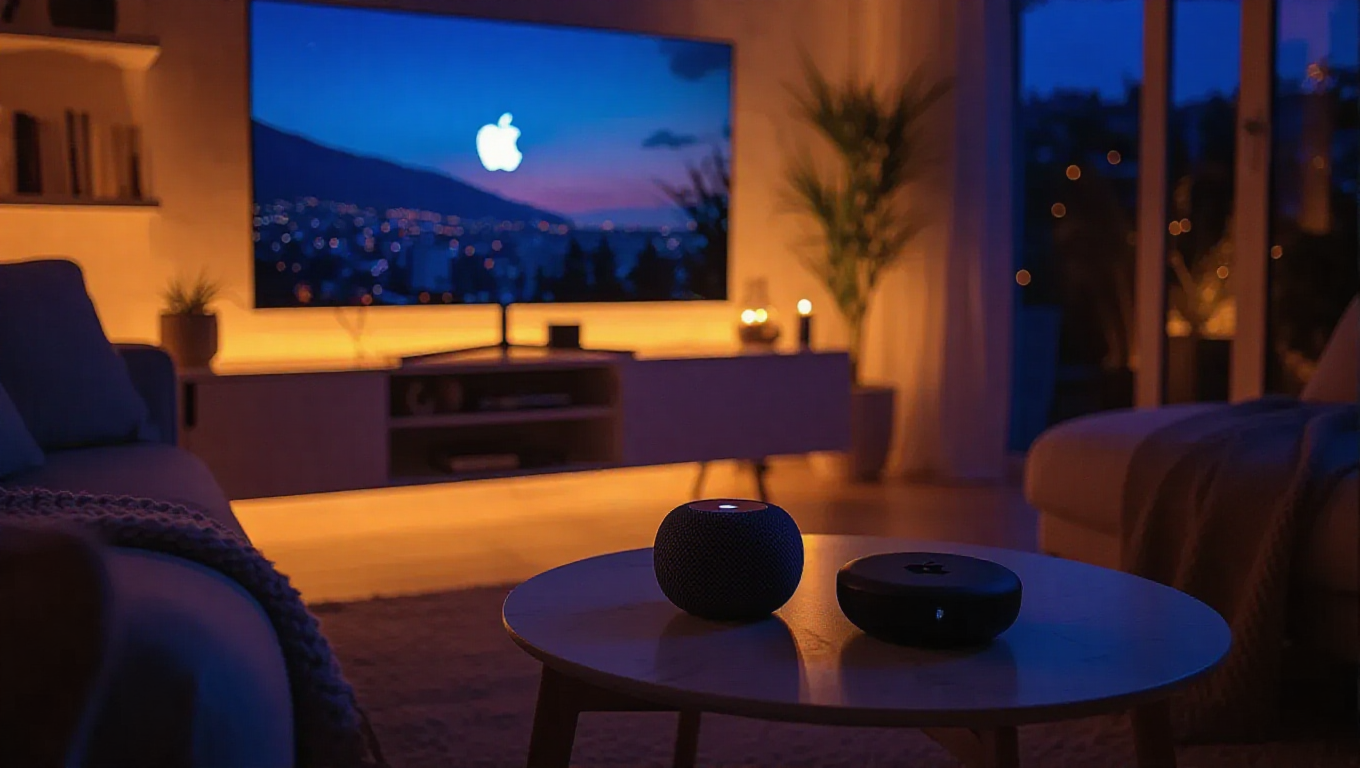
The updated HomeKit framework now exclusively recognizes two Apple product categories as eligible hubs: HomePod smart speakers and Apple TV set-top boxes. This architectural shift is part of a broader effort to streamline and secure the smart home ecosystem. For users who had configured an iPad as their central hub, this means those devices will no longer function in that capacity, potentially disrupting automated routines and remote access to connected accessories if not addressed.
The transition to the new architecture was not sudden; it was initiated earlier this year, providing users with a window to update their systems. However, that adaptation period has now closed. The requirement to use a dedicated hub device like a HomePod or Apple TV is now enforced for all users wishing to maintain full functionality of their Apple Home setup.
Navigating the Change
For affected households, the path forward involves ensuring a compatible hub is present on the home network. A HomePod (including the HomePod mini) or any Apple TV model with hub capabilities can fulfill this role. These devices are designed to be always-on, providing a more reliable backbone for home automation compared to a portable iPad, which might be moved, put to sleep, or have its battery depleted.
This move underscores a strategic push by Apple to solidify its home automation platform around dedicated, stationary hardware. It aligns with industry trends favoring always-available hubs for improved reliability and responsiveness in smart home systems. Users making the switch should experience a more consistent and robust smart home experience, albeit with the prerequisite investment in the specified hardware.
Conclusion
Apple's decision to retire the old HomeKit architecture and the iPad's hub functionality represents a significant, if expected, evolution of its smart home strategy. While it necessitates a hardware update for some users, it consolidates the ecosystem around devices built for constant, low-power operation. The focus now shifts entirely to HomePod and Apple TV as the central pillars of the Apple Home experience, aiming to deliver a more seamless and dependable foundation for home automation.