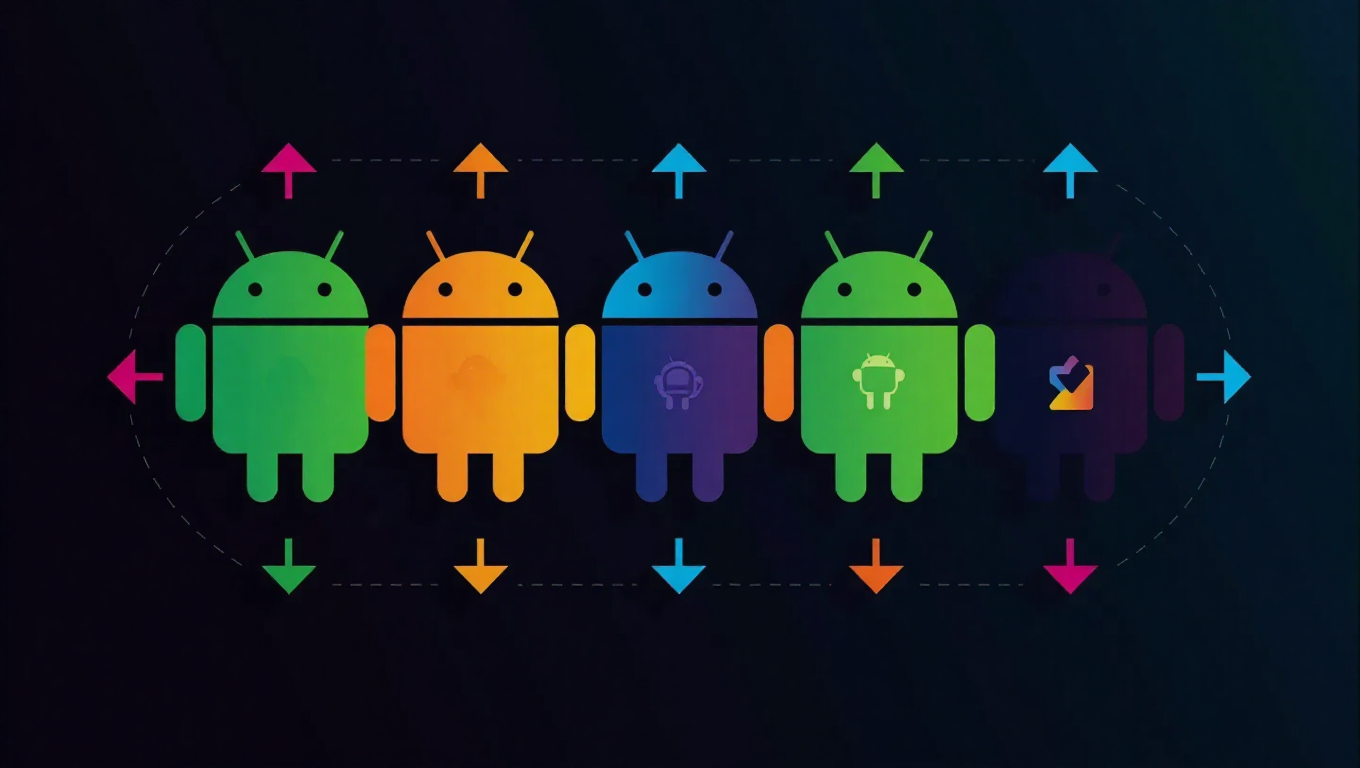
Android Updates Explained: Understanding Betas, Canary Builds, and Which to Use
For many Android users, the operating system's release cycle can seem confusing. Features appear in discussions months before official announcements, while some devices receive updates long before others. This complexity stems from Android's multi-layered development approach, where different versions exist simultaneously for distinct purposes.
The Android Development Hierarchy
Android development doesn't follow a simple linear path from conception to release. Instead, multiple iterations of the operating system coexist at various stages of maturity. This creates a landscape where experimental features, testing builds, and stable releases all circulate within the ecosystem simultaneously.
At the most experimental end are Canary builds, named after the canaries miners once used to detect dangerous gases. These daily builds represent the cutting edge of development, containing the latest code changes but also the highest risk of instability. They're primarily intended for developers who need early access to test their applications against upcoming changes.
Beta Testing and Public Releases
As features stabilize, they progress to beta versions. These releases are more polished than Canary builds but still contain known issues that need testing. Beta programs typically open to enthusiasts and developers who voluntarily test new features and report bugs. This phase helps identify problems before wider deployment.
Following successful beta testing, stable releases reach general users through official channels. These versions have undergone extensive testing and optimization for reliability. However, even stable releases can vary in availability due to manufacturer customizations and carrier testing requirements.
Choosing the Right Version
For most users, stable releases provide the optimal balance of new features and reliability. These versions have been thoroughly tested and offer the smoothest experience for daily use.
Beta versions suit enthusiasts willing to tolerate occasional bugs in exchange for early access to features. These users should have technical knowledge to troubleshoot issues and report problems effectively.
Canary builds remain strictly for developers who require the absolute latest code for compatibility testing. The instability makes them unsuitable for primary devices, but they provide invaluable insight into upcoming changes.
Navigating the Update Landscape
The simultaneous existence of multiple Android versions explains why feature discussions often precede official announcements. Experimental features appearing in Canary builds generate excitement months before reaching stable releases. Meanwhile, manufacturer-specific customizations and regional variations further complicate the update timeline.
Understanding this development hierarchy helps users make informed decisions about which version to use. It also explains why feature availability varies between devices and why some users gain access to updates before others.
Conclusion
Android's development approach balances innovation with stability through its tiered release system. From experimental Canary builds through beta testing to stable releases, each version serves specific audiences with different needs and risk tolerances. Most users benefit from sticking with stable releases, while developers and enthusiasts can explore earlier versions with appropriate expectations. This structured yet flexible system enables continuous improvement while maintaining reliability for the broader user base.