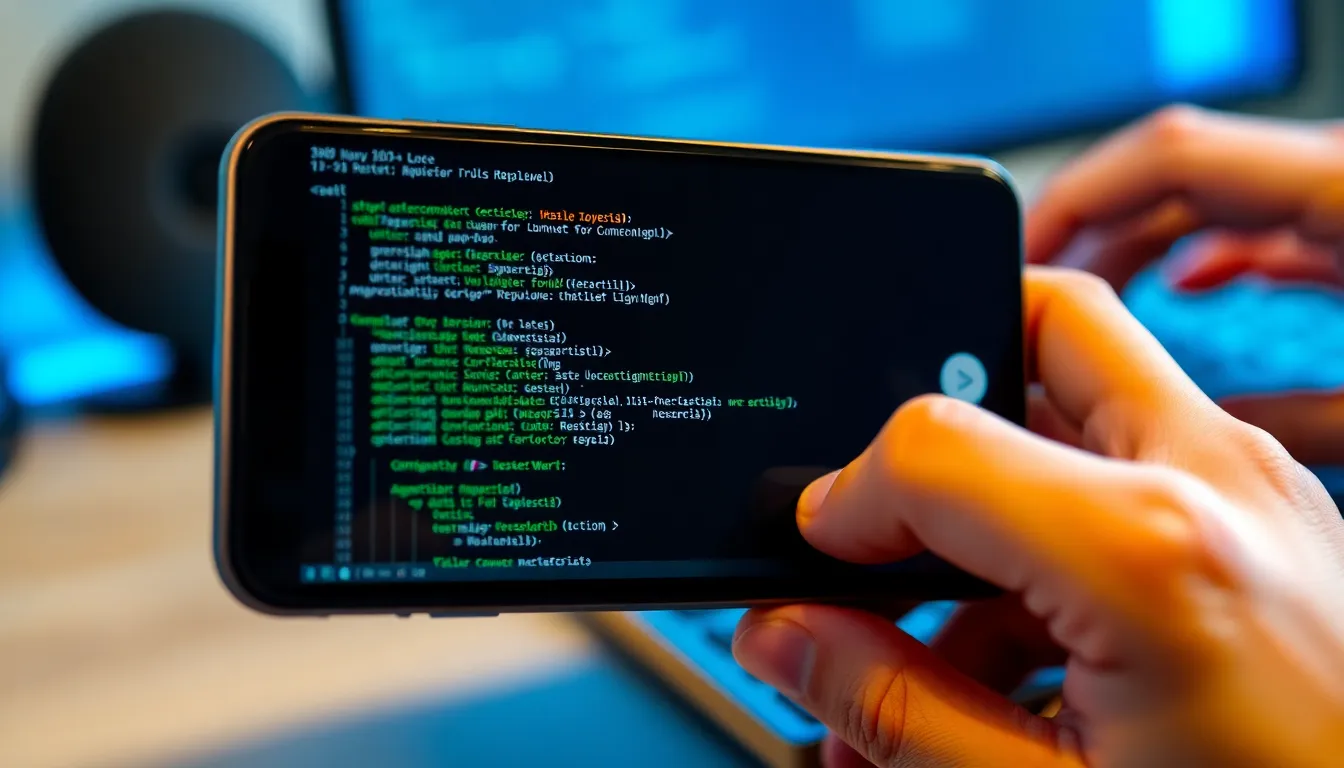
Android Canary Modernizes Linux Terminal with UI Refresh and New Features
Google's Pixel smartphones have long included a hidden gem for developers and enthusiasts: a fully functional Linux Terminal. This built-in tool allows users to run Linux applications and games directly on their Android devices. With the latest Android Canary update, this Terminal is receiving significant enhancements that modernize its interface and expand its capabilities.
A Fresh Interface for a Powerful Tool
The Android Canary update brings several interface improvements to the Linux Terminal. While the changes are subtle, they contribute to a more polished and modern user experience. The Terminal now features cleaner visual elements and improved typography, making it more accessible for both seasoned developers and curious newcomers.
These interface updates come as Google continues to expand support for Linux applications on Android devices. The Terminal has evolved from a niche feature into a robust development environment that can run everything from productivity tools to classic games like DOOM.
Advanced Settings for Enhanced Control
Beyond cosmetic improvements, the Canary update introduces a new Advanced settings menu that provides users with greater control over their Terminal environment. Two key additions stand out: memory limit configuration and screen timeout settings.
The memory limit feature allows users to allocate specific amounts of RAM to their Linux environment, preventing resource conflicts with other Android applications. This is particularly valuable for running more demanding Linux applications or when multitasking between Android and Linux environments.
The screen timeout settings address a common frustration for developers who use the Terminal for extended periods. Users can now adjust or disable the screen timeout specifically for the Terminal app, preventing interruptions during long-running processes or coding sessions.
Broader Implications for Android Development
These updates signal Google's continued investment in making Android a more versatile platform for developers. The Linux Terminal improvements come alongside broader efforts to expand file access and application support within the Linux environment on Android.
While the Terminal remains primarily of interest to developers and power users, its ongoing refinement suggests Google recognizes the value of catering to technical audiences. The improvements make the Terminal more approachable while maintaining the powerful functionality that makes it valuable for serious development work.
Conclusion
The Android Canary update brings meaningful improvements to the Linux Terminal that enhance both its appearance and functionality. The modernized interface makes the tool more accessible, while the new advanced settings provide developers with greater control over their working environment.
These changes represent another step in Google's journey to make Android a more capable platform for development and technical work. As support for Linux applications continues to expand, the Terminal's role as a bridge between mobile and desktop computing environments becomes increasingly important. For developers and enthusiasts, these updates make an already powerful tool even more valuable.