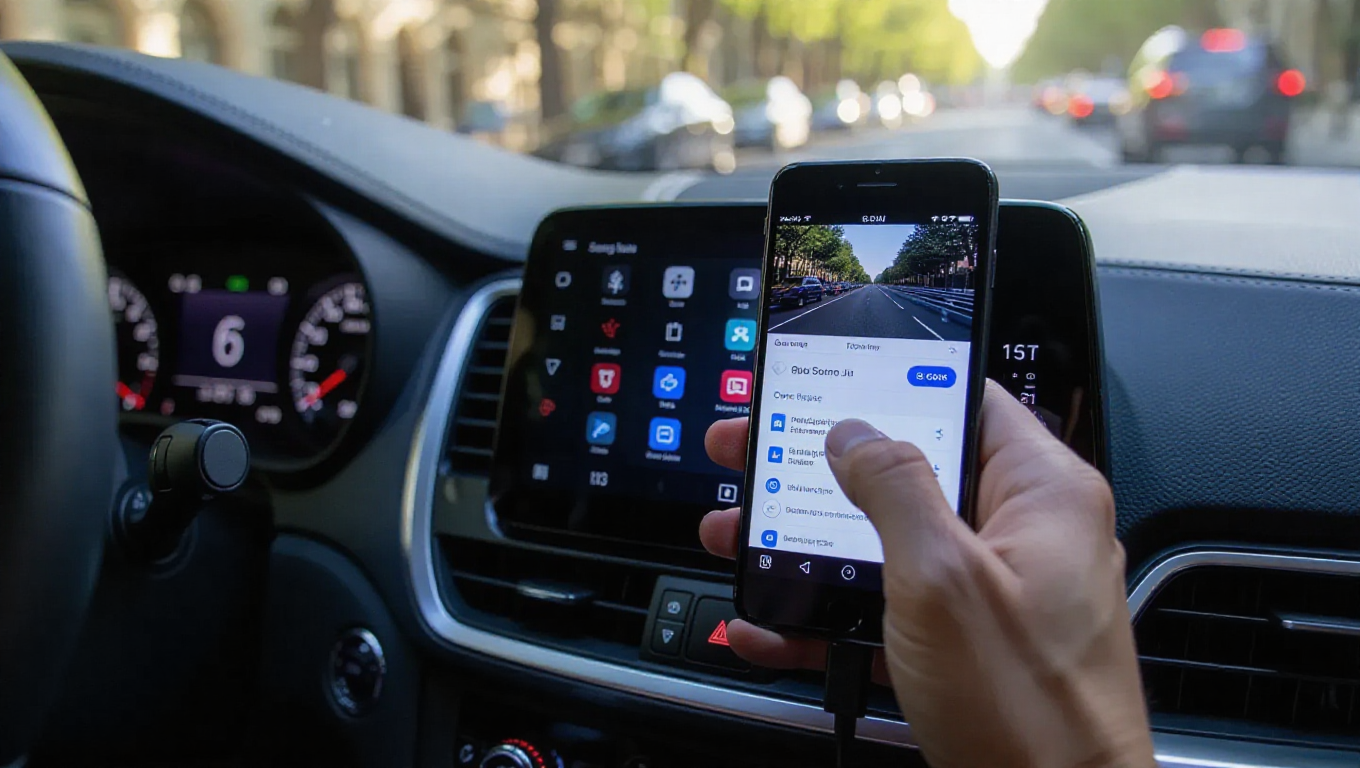
Android Auto Video Playback: A Frustratingly Complex Experience
Android Auto is widely recognized as a versatile platform designed to simplify the driving experience. It successfully mirrors essential phone functions to a car's dashboard, providing drivers with streamlined access to navigation, communication, and entertainment controls like music. Its primary goal is to enhance safety and convenience on the road. However, for passengers or drivers during extended stationary periods—such as waiting to pick someone up or during a lengthy charge stop for an electric vehicle—a seemingly basic feature remains conspicuously cumbersome: video playback.
The Promise Versus the Reality
The premise is straightforward. Modern vehicles are increasingly equipped with sophisticated touchscreen displays. Logically, one might assume these screens could serve as monitors for video content from a connected smartphone. While the technical capability exists within the Android Auto framework, accessing it is not a simple, intuitive process. It is shrouded in limitations and requires users to navigate through unintended workarounds rather than offering a dedicated, user-friendly video interface.
Navigating a Maze of Limitations
The core complication stems from deliberate design choices focused on driver safety. Android Auto's interface is heavily restricted when the vehicle is in motion to minimize distractions. This means standard video streaming apps are often blocked from displaying content while driving. To bypass this, users typically must engage parking brake tricks or other methods that signal the system the car is stationary, which can be inconsistent and unreliable across different vehicle models.
Even when successfully activated, the experience is far from seamless. The video playback often lacks optimization for the car's display, resulting in awkward aspect ratios or controls that are difficult to use. Furthermore, the process usually involves sideloading apps or using developer settings, placing it firmly outside the realm of a simple, plug-and-play feature for the average user. This creates a significant barrier to what should be a simple media consumption task.
A Missed Opportunity for a Comprehensive Platform
This complexity highlights a gap in Android Auto's otherwise robust functionality. The platform adeptly handles audio entertainment, real-time navigation, and hands-free communication, proving its utility. Yet, its approach to video feels like an afterthought, locked behind safety protocols without a clear, sanctioned pathway for legitimate use cases. For passengers on long road trips or drivers during unavoidable waits, the inability to easily watch a show or a video tutorial feels like a missed opportunity to make the cabin a more versatile space.
The situation suggests a tension between safety-first design and user desire for flexible in-car entertainment. While the safety restrictions are understandable and necessary, the implementation for stationary viewing appears unnecessarily convoluted. A more elegant solution might involve a dedicated "passenger mode" or a simplified video interface that activates only under verifiably safe conditions, such as when the parking brake is engaged and no motion is detected for a set period.
Conclusion
Android Auto succeeds in its primary mission of making driving safer and more connected. However, its handling of video playback stands in stark contrast to this efficiency. What should be a simple feature—using a car's screen to watch video—becomes a technical chore fraught with workarounds and limitations. Until a more intuitive and accessible method is integrated, watching video on Android Auto will remain a complicated endeavor, failing to meet user expectations in an otherwise capable ecosystem. The platform has the potential to be a comprehensive in-car hub, but for now, video entertainment is its most awkward and underdeveloped facet.