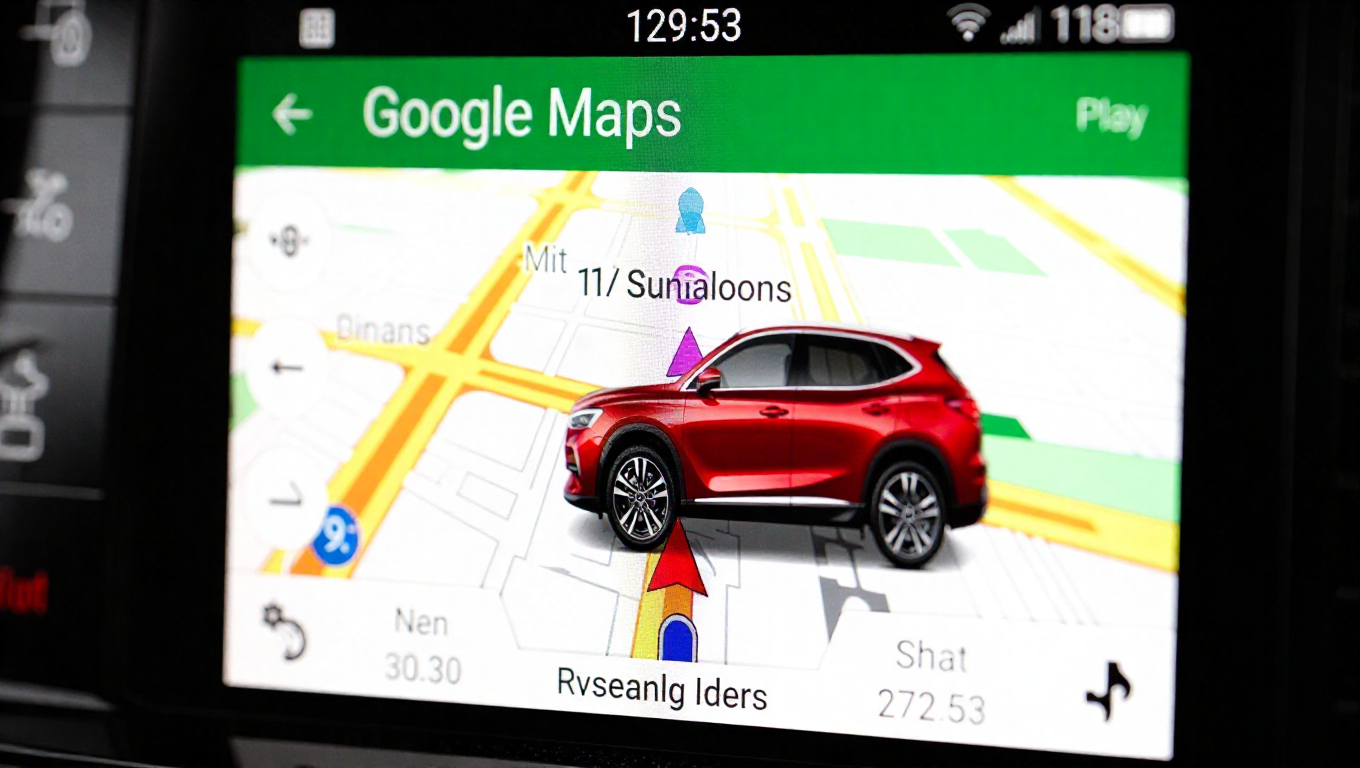
Android Auto May Soon Let You Choose a New Paint Job — For Your Maps Avatar
Google Maps has long offered drivers the ability to personalize their navigation experience by selecting a custom vehicle icon, or avatar, to represent them on the map. This feature allows users to choose from various vehicle types and colors, replacing the standard blue arrow with a more representative graphic. However, this customization has historically required a detour to a smartphone. New evidence suggests Android Auto is working to bring this personalization directly to the dashboard.
Moving Customization from Pocket to Dashboard
Currently, when using Google Maps via Android Auto, drivers can see their chosen custom avatar on the vehicle's display. The process to select or change that avatar, however, cannot be completed in the car. Users must open the Google Maps app on their paired smartphone, navigate to the settings, and choose their preferred vehicle type and color there. Only after this selection is made on the phone does the change reflect on the Android Auto screen.
This separation between the display interface and the configuration interface has been a minor point of friction. It requires the driver to interact with their phone for a feature that is ultimately showcased on the car's larger screen. The development of a native selection screen within Android Auto itself would streamline this process, allowing for complete in-vehicle personalization without ever needing to touch the phone.
Enhancing the In-Car User Experience
The potential integration of avatar selection into Android Auto represents a step toward a more self-contained and intuitive in-car experience. By housing more configuration options directly within the infotainment system's interface, Google could reduce dependency on the connected smartphone for setup tasks. This aligns with a broader trend of making smart vehicle interfaces more independent and user-friendly.
For users, the benefit is convenience. The ability to quickly swap between a sedan, SUV, or pickup truck icon, or to match the avatar's color to their actual vehicle, would become an instantaneous action performed on the touchscreen they are already using for navigation. This small quality-of-life improvement adds a layer of personalization and control that enhances the overall driving experience.
Conclusion
While vehicle avatar customization is a relatively minor feature, its potential migration from smartphone to car display is indicative of Android Auto's ongoing evolution. The platform appears focused on refining the driver's experience by integrating more controls and personalization options directly into the vehicle's interface. If this development comes to fruition, it will offer users a more seamless and convenient way to personalize one of the most frequently used apps during their drive.