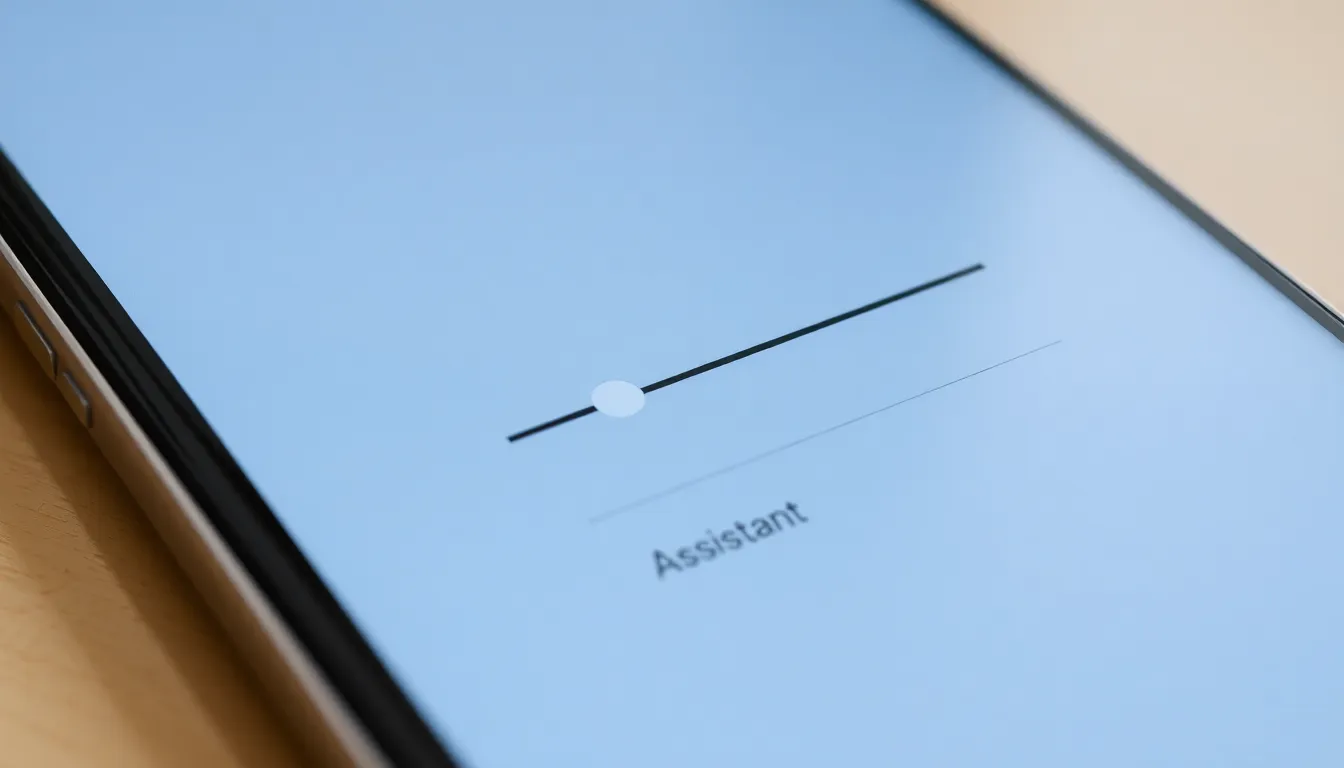
Android 17 Beta 3 Introduces Dedicated Volume Control for Virtual Assistants
The latest beta release of Android 17 brings a subtle but significant quality-of-life improvement that addresses a common frustration with smart assistants. Beta 3 introduces independent volume controls specifically for virtual assistants, allowing users to prevent unexpectedly loud responses from AI helpers like Gemini.
A Solution to Volume Surprises
Many Android users have experienced the jarring moment when a virtual assistant responds at maximum volume despite having media or system volume set to reasonable levels. This typically occurs because assistant responses previously shared volume settings with other audio streams, leading to inconsistent and sometimes startling audio experiences.
The new implementation in Android 17 Beta 3 creates a separate volume stream exclusively for virtual assistants. This means users can now set their preferred assistant volume level independently from media playback, system sounds, or notification volumes. Once configured, the assistant will maintain consistent audio levels regardless of other volume adjustments made throughout the day.
Part of Broader Beta 3 Improvements
This audio enhancement arrives alongside several other refinements in Android 17's third beta release. The update has reached platform stability and includes separate quick settings toggles for Wi-Fi and mobile data, notifications for automatic time zone updates, support for the RAW14 image format, and improved widget scaling on larger displays.
The beta is currently available for Pixel 6 and newer devices, including the Pixel Tablet and Pixel Fold, with the stable Android 17 release expected in June. The dedicated assistant volume control represents Google's continued focus on refining the user experience through granular audio management options.
Practical Implementation and User Benefits
Users can access the new assistant volume controls through the standard volume adjustment interface. When adjusting volume while an assistant is active, or through system settings, a distinct slider for assistant volume appears alongside existing controls for media, ringtone, and alarm volumes.
This separation provides several practical benefits. Users working in quiet environments can set assistant responses to whisper levels while maintaining normal media volume. Conversely, those in noisy settings can boost assistant volume without blasting music or videos. The feature also helps maintain accessibility for users who rely heavily on voice assistants while preventing volume-related disruptions during media consumption.
Conclusion
Android 17 Beta 3's dedicated assistant volume control addresses a long-standing minor annoyance with smart assistant interactions. By providing independent audio management for virtual assistants, Google demonstrates attention to the nuanced details that improve daily device usability. As Android 17 approaches its stable release, this feature represents the type of thoughtful refinement that enhances the overall user experience without requiring major interface changes or complex new functionality.