Android 17 Beta 3 Expands System-Wide UI Blur Effects
The visual evolution of Android's interface continues with the third beta release of Android 17, which introduces more extensive background blur effects across key system components. This development represents a continuation of a design language that began gaining prominence in the previous version.
A Gradual Shift Towards Depth and Translucency
The implementation of translucent elements in system UI is not entirely new. The previous major Android version first experimented with this aesthetic by applying subtle translucency to the notification shade and Quick Settings panel. This created a layered effect, allowing elements from the underlying app or home screen to subtly show through.
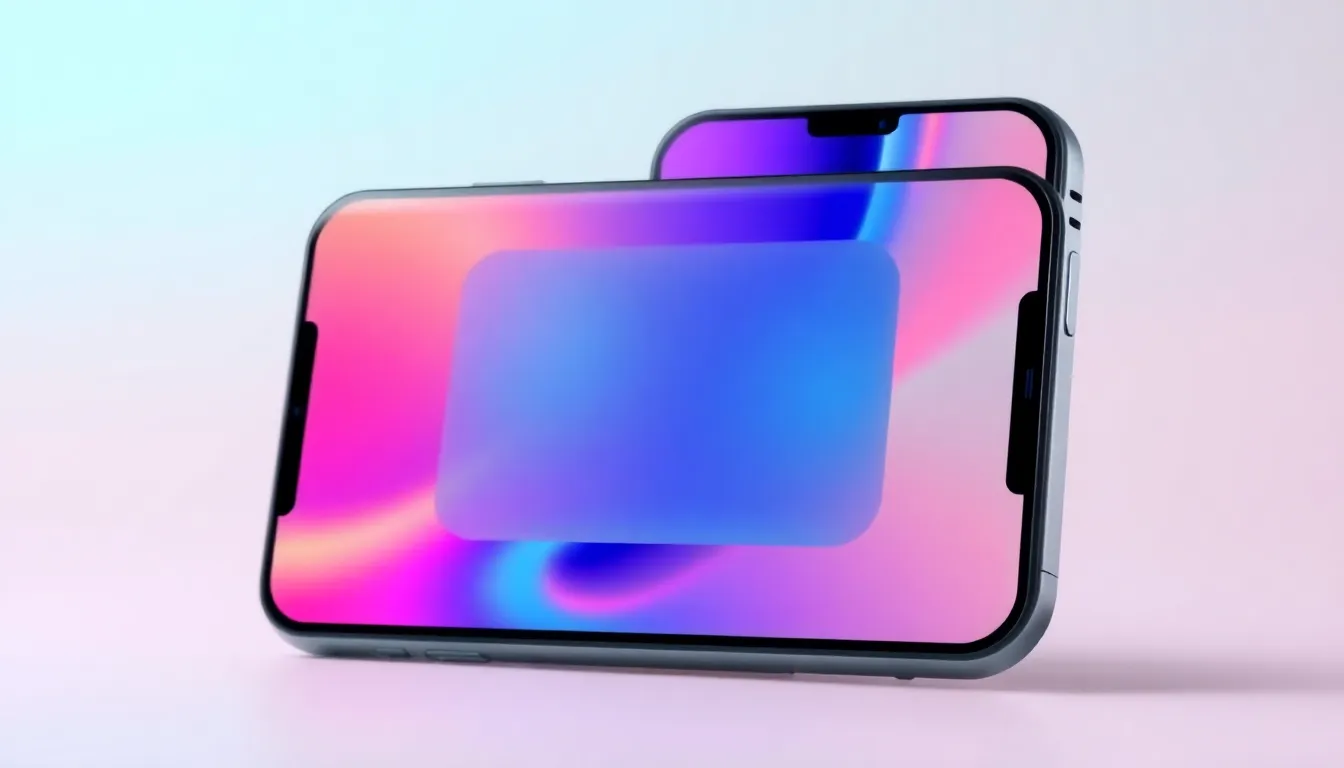
Android 17 Beta 3 takes this concept a significant step further. The translucency is now accompanied by a more pronounced Gaussian blur effect. This creates a frosted glass appearance, enhancing the perception of depth between the foreground system interface and the background content. The effect is designed to be visually pleasing while maintaining clear readability of text and icons over the blurred backdrop.
Focus on System-Level Consistency
The expanded blur effects appear to be applied systematically. Early observations from the beta build show the enhanced blur present in the pulldown notification shade, the fully expanded Quick Settings panel, and potentially other system overlays. The goal seems to be creating a cohesive visual language where temporary system interfaces feel like a distinct layer floating above the user's current activity, rather than completely obscuring it.
This approach aligns with modern design trends seen across other operating systems, which often use blur and transparency to create a sense of hierarchy and context. For users, it can make multitasking and switching between system functions feel more fluid and connected to the overall device experience.
Refinement and Performance Considerations
As with any visual effect added at the system level, performance and battery impact are key considerations. The blur effect must be rendered efficiently to avoid introducing lag or stutter, especially on devices with less powerful GPUs. The beta phase will be crucial for optimizing this rendering process. Furthermore, accessibility is paramount; the design must ensure that text contrast remains high enough for all users to read comfortably over the varied backgrounds that will be blurred.
User reception in early testing has generally been positive, with many appreciating the polished, modern look. Some have noted that the intensity of the blur seems adjustable or may vary based on device capability or wallpaper, suggesting Google is fine-tuning the final implementation.
A Clear Direction for Android's Visual Identity
The expansion of blur effects in Android 17 Beta 3 signals a clear commitment to refining the platform's material design language with more depth and sophistication. It moves beyond flat colors and sharp shadows, embracing subtlety and context-awareness. While still in beta, this visual update points towards a final release that will offer a more immersive and visually cohesive interface. As development continues, the focus will likely remain on balancing this aesthetic enhancement with the smooth, responsive performance that defines the Android experience.